Why AI Changed Memes: From Templates to Tailor‑Made Absurdity
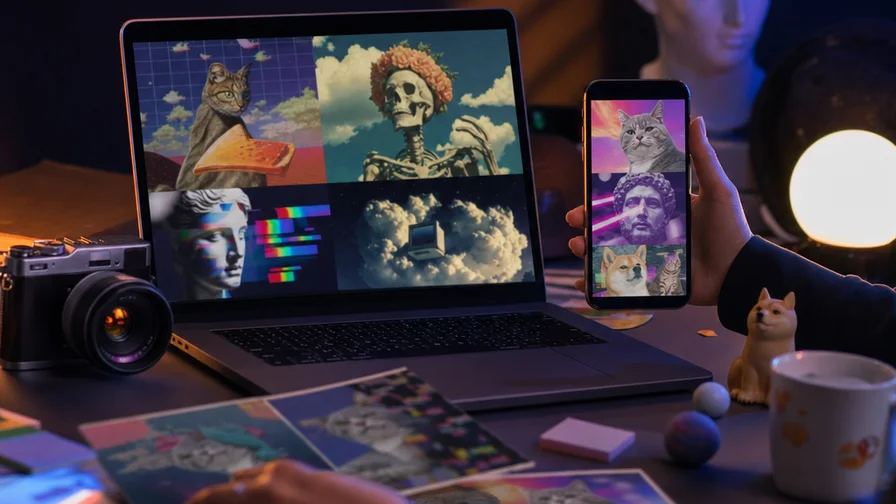
Memes used to mean hunting down a familiar template, slapping on a caption, and hoping the format still felt fresh. That works…until it doesn’t. Jokes get stale, templates exhaust themselves, and your punchline needs a visual that doesn’t exist yet. AI flips that script. Instead of bending a joke to fit a stock image, you generate the exact scene your setup demands—any style, any era, any level of cursed energy—with the caption baked into the image when you want it.
That’s the core shift: creative precision at meme speed. You can prompt a hyper‑real “cat CEO in a glass boardroom presenting Q4” in the morning and a candy‑colored “medieval tapestry of someone rage‑quitting Excel” by lunch. You can go cinematic, stick-figure simple, or intentionally uncanny. And because models like GPT Image 2 and Ideogram can render text on the image itself, you’re not locked into Impact font over a tired two-panel template. On a unified platform like Nexvy, switching between models is as simple as changing a dropdown—so the format follows the joke, not the other way around.
Pick the Right Model for the Meme You Want
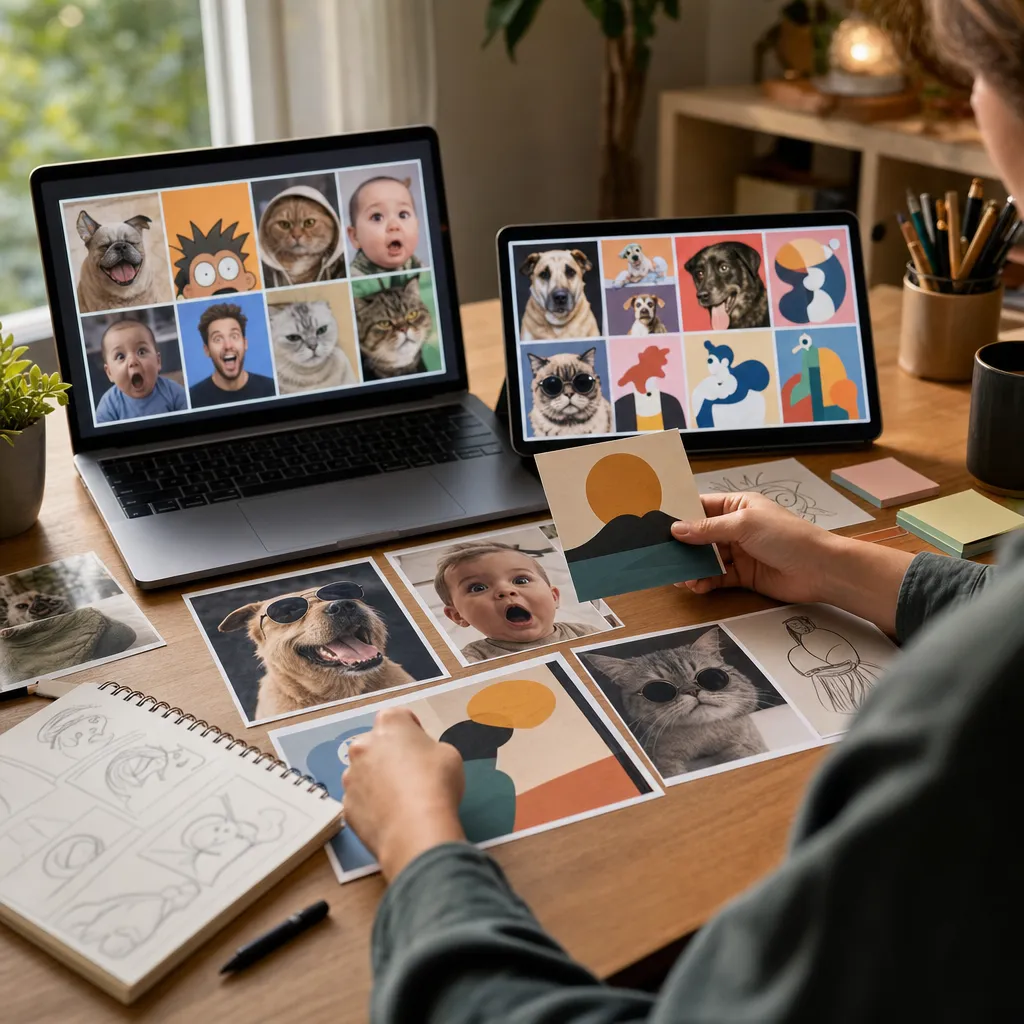
Different meme formats favor different models. Picking well upfront saves you retries and keeps the punchline crisp. Here’s a practical, creator-tested mapping.
- GPT Image 2: Best for memes with text rendered on the image. It’s strong at spelling, consistent lettering, and following layout requests like “TOP: … | BOTTOM: …”. Use this for classic top/bottom jokes, reaction labels, and fake motivational posters where the font matters.
- Nano Banana: Photo editing wizardry for putting a real person (you), your friend, or your pet straight into a scene. Upload a clean photo, then prompt the edit: “place this Shiba Inu at a stand-up meeting pointing at a Kanban board.” Perfect for personal or pet memes that feel native to your life.
- Midjourney: High-effort, stylized, and “cursed” or cinematic energy. When you want the vibe to do half the comedy—dramatic lighting, lavish textures, impossible detail—go here. Great for surreal punchlines, faux film stills, or exaggerated aesthetics.
- Ideogram: Also reliable for text-on-image. Excellent when you want tight typographic control, poster layouts, or clean geometric design for parody ads.
- FLUX: Crisp, contemporary illustration and product-photo looks. Useful when you need minimalistic or editorial meme aesthetics.
- Seedream: Stylized fantasy and whimsical palettes. Handy for absurdist memes that need dream logic or painterly charm.
On Nexvy, these models live side by side. Test two models in parallel, keep the winner, and ship the meme before the trend cools.
Prompt Recipes: 20+ Ready-to-Use Formats
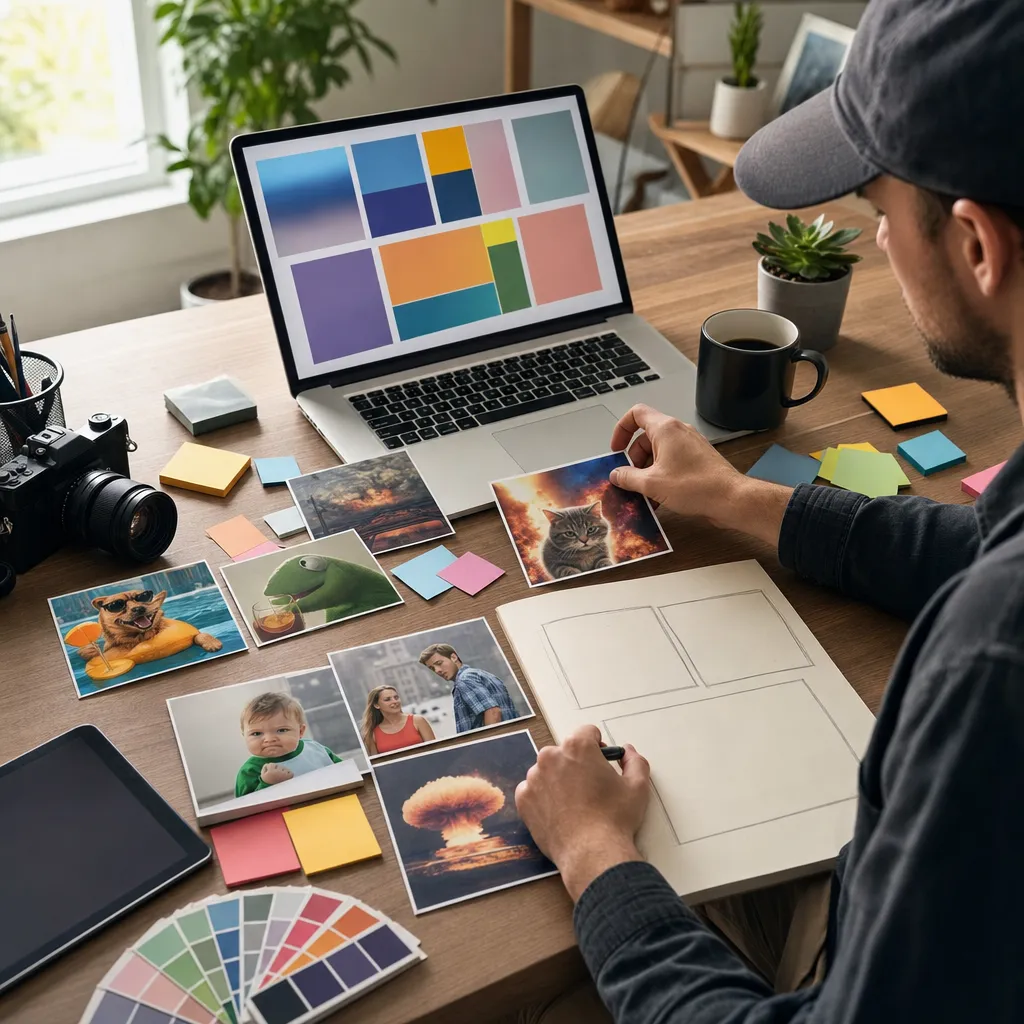
Copy, adapt, and post. Each recipe includes a suggested model. If you plan to bake text into the image, use GPT Image 2 or Ideogram; otherwise, add text after generation in your editor of choice.
Classic Top/Bottom Text Memes (text-on-image)
- Model: GPT Image 2 — “Photo of a sleepy office worker at 9:00 AM, fluorescent lighting, realistic. TOP: WHEN THE WIFI IS DOWN. BOTTOM: AND YOU HAVE TO WORK USING ‘MEMORY.’ ALL CAPS, bold white Impact-style with black stroke.”
- Model: GPT Image 2 — “Close-up of a cat hitting ‘Send’ on a keyboard, shallow depth of field. TOP: ME WRITING ‘PER MY LAST EMAIL’. BOTTOM: WITH THE FURY OF A THOUSAND SUNS. ALL CAPS, Impact-ish.”
- Model: Ideogram — “Retro 90s camcorder still of a printer jamming. TOP: PRINT BUTTON PRESSED ONCE. BOTTOM: PRINTER: SAY LESS. White uppercase, chunky sans, slight VHS overlay.”
- Model: GPT Image 2 — “Overhead shot of a sad salad in a breakroom. TOP: HEALTH KICK DAY 1. BOTTOM: I MISS HER (PASTA). Heavy stroke, centered.”
- Model: GPT Image 2 — “Zoom of loading spinner on a laptop. TOP: BRAIN BUFFERING. BOTTOM: WHEN SOMEONE ASKS ‘WHAT ARE YOUR HOBBIES?’ Impact-style.”
- Model: Ideogram — “Moody photo of a rainy bus stop at night. TOP: ADULTING. BOTTOM: IT’S MOSTLY EMAILS. Clean condensed sans serif.”
“Me vs. Me” Split Panels
- Approach A (single image): GPT Image 2 — “Two-panel split image, left vs right. Left: person in pajamas with snacks; caption: ‘ME AT 11 PM: JUST ONE MORE EPISODE’. Right: exhausted person at 7 AM; caption: ‘ME AT 7 AM: WHY’. Consistent lighting, white uppercase boxes.”
- Approach B (two images): Midjourney — “Left panel: epic cinematic warrior battling spreadsheets in a storm, moody lighting.” Then “Right panel: the same warrior quietly labeling folders, overhead warm light.” Add labels later in an editor.
- Model: GPT Image 2 — “Two-panel: Left shows a minimalist, perfectly organized desk; TOP: ME PLANNING. Right shows chaotic sticky notes everywhere; TOP: ME WORKING. Uniform style, thin black border between panels.”
- Model: FLUX — “Clean illustration, two halves. Left: calm person watering plants labeled ‘small tasks’. Right: person trying to lift a boulder labeled ‘one giant task.’ No text baked; add labels later.”
Corporate-Culture Memes
- Model: GPT Image 2 — “Corporate boardroom, man pointing to a slide that reads in big letters: ‘LET’S CIRCLE BACK Q4.’ Colleagues looking inspired and confused. Add footer tiny text: ‘translation: never.’”
- Model: Midjourney — “Ultra-dramatic film still of a hero holding a stapler like Excalibur in an open-plan office, golden rim light, shallow DOF. Add caption after generation.”
- Model: Ideogram — “Parody poster: ‘COMBO’ on top, image of three phones connected to the same charger, subtext: ‘now our problems are shared.’ Clean corporate sans.”
- Model: GPT Image 2 — “Screenshot-style fake chat UI with a boss bubble: ‘quick question’ and your bubble: ‘…’ Footer text: ‘There’s no such thing as a quick question.’”
Pet Memes From Your Own Photos (Nano Banana edits)
- Model: Nano Banana — Upload a clear pet photo. Prompt: “Place this Shiba Inu at a whiteboard giving a quarterly update to stuffed animals. Add slide title text: ‘BARK KPI: OFF THE CHARTS.’”
- Model: Nano Banana — Upload cat photo. Prompt: “Put this cat in a tiny suit, sitting at a laptop in a cubicle, coffee mug that says ‘I MEOW AT SCOPING DOCS.’ No other text.”
- Model: Nano Banana — Upload dog selfie. Prompt: “Dog riding the subway wearing headphones, moody evening light, ad panel behind him reads: ‘I WORK 9–BORK.’”
- Model: Nano Banana — Upload hamster photo. Prompt: “Hamster next to a mountain of sunflower seeds like a CFO with cash reserves. Caption on screen: ‘RUNWAY: 24 MONTHS.’”
Absurdist, Surreal, or “Cursed” Humor
- Model: Midjourney — “Ultra-detailed baroque oil painting of a skeleton in sweatpants trying to plug in a USB the wrong way for eternity. Moody chiaroscuro. No text.”
- Model: Seedream — “Dreamy pastel scene of a knight arguing with a printer labeled ‘dragon.’ Tiny caption on page: ‘JAMMED AGAIN.’”
- Model: Midjourney — “Cinematic close-up: a single slice of bread wearing sunglasses at a board meeting, dramatic backlight, anamorphic lens flares. Add text later.”
Reaction Images (faces, vibes, and one-liners)
- Model: GPT Image 2 — “Close-up of someone trying not to laugh in a meeting, eyes glistening, polite smile. Big bottom caption: ‘I’M LISTENING.’”
- Model: FLUX — “Flat, punchy illustration of a person side-eyeing a spreadsheet. Add top-right text bubble: ‘huh.’”
- Model: Midjourney — “Hyper-real photo of a raccoon holding a tiny coffee like it’s tea-spilling time, bokeh lights. Add ‘interesting…’ after generation.”
- Model: GPT Image 2 — “Zoomed-in shocked goldfish face, slightly blurred motion. Bottom text: ‘EXCUSE ME?’ in bold white.”
Fake Inspirational (Demotivational) Posters
- Model: Ideogram — “Black border poster with serif headline ‘PERSISTENCE’ over a photo of a snail approaching a staircase. Subtext: ‘meetings about meetings.’”
- Model: GPT Image 2 — “Parody poster with mountain sunrise. Big title: ‘DEADLINES.’ Subtitle: ‘they arrive suddenly, like a calendar you ignored.’”
- Model: Midjourney — “Wistful landscape of a printer in the fog like a lone elk. Add caption afterward: ‘PRINTING’ — ‘sometimes it just…doesn’t.’”
Caption Craft: Make AI Render Text You Actually Want
Text is where memes live or die. These small tweaks dramatically improve what text-on-image models output.
- Use clear placement cues: Write “TOP: YOUR TEXT. BOTTOM: YOUR TEXT.” or “Title: … / Subtitle: …”. Many models follow these layout markers well.
- Go ALL CAPS for classic meme voice: Pair with “white text, heavy black stroke, Impact-style” for that recognizable look.
- Quote marks prevent paraphrasing: Wrap key phrases in quotation marks to reduce the chance the model rewrites your joke.
- Keep lines short: Break long captions with explicit line cues: “TOP: LINE 1 | LINE 2” or “\n” if your model respects escape characters.
- Ask for a font style, not a brand name: Use “bold condensed sans,” “handwritten marker,” “magazine serif,” or “Impact-like” instead of specific licensed fonts.
- Lock spelling on names: Add “spell exactly: CFO, KPI, Q4” for corporate memes. This nudges better fidelity.
- When to add text in an editor instead: If you need pixel-perfect typography, multiple captions across a grid, or brand fonts, render a clean image first in Midjourney/FLUX and overlay text with your graphics tool. It’s often faster than iterating text with the model.
- Export at share-ready sizes: Square (1080×1080) works nearly everywhere. If you want vertical reach, generate or crop to 1080×1350 or 1080×1920 and position captions to avoid UI overlays on platforms.
Meme Velocity for Brands: A Same‑Day Workflow
You don’t need a full design sprint to jump on a trend. Set up a compact pipeline that turns an idea into an approved post before the topic cools. Here’s a pragmatic loop that social teams can run in an hour.
- 10 minutes — Spot the angle: Track trending phrases, screenshots, or formats in your niche. List three setups that tie cleanly back to your product or audience. Gut-check for brand safety and avoid punching down or sensitive topics.
- 5 minutes — Pick the format and model: If the joke needs on-image text (a twisty one-liner), use GPT Image 2 or Ideogram. If it needs your product or mascot in-scene, go Nano Banana. If the vibe should carry the humor, choose Midjourney.
- 15 minutes — Generate 6–10 candidates: Write one strong prompt and produce multiple seeds or variations. Keep one variable per round: style, caption, or composition. Short feedback loops beat mega-prompts.
- 10 minutes — Edit and label: If the model text isn’t perfect—or if you need brand fonts—overlay captions in your editor. Keep it legible on mobile. Test a square and a 4:5 vertical crop.
- 10 minutes — Internal approvals: Share two finalists with rationale: “A is cleaner text; B has stronger visual gag.” Keep a checklist for legal/logos/fair use. Avoid real-person likenesses without permission.
- 10 minutes — Publish and measure: Post where your audience actually laughs: X, Instagram, LinkedIn (if B2B), and your community Slack/Discord. Track saves, shares, and comments; iterate on the best-performing angle the same day.
Nexvy helps by putting multiple image models in one place and returning results fast. That means fewer tabs, less re-uploading, and more time to hit the joke window while it’s hot.
Practical Tips: Photos, Styles, and Consistency
A few field notes to keep memes crisp and repeatable without burning time.
- For Nano Banana edits: Upload well-lit, front-facing photos with uncluttered backgrounds. Keep subject angles consistent if you’re building a recurring character (your dog as CFO). Avoid low-res crops—blurry inputs become blurrier gags.
- Keep a style bank: Save prompt snippets for recurring looks: “soft rim light, editorial desk scene,” “mockumentary still, handheld grain,” “flat vector, pastel palette.” Reuse to stay visually consistent across series.
- Seed your chaos: When going for cursed humor in Midjourney, add controlled contradictions: “formal royal portrait of a stapler, solemn, absurdly serious, oil paint.” The tension sells the joke.
- Don’t over-write the prompt: One clear instruction per idea: scene, style, and text. If something drifts, remove adjectives before adding new ones.
- Respect lines you won’t cross: Skip logos you don’t own, real people without consent, or anything that misleads. Clever beats risky every time.
Try It: Make a Meme in Minutes
You’ve got formats, prompts, and a playbook. Now it’s just reps. Open a unified workspace like Nexvy, pick the right model for the job, and generate three variations before you overthink the line breaks. Want instant delivery straight to your chat? Use the Telegram bot @nexvyai_bot to crank out ideas and drop them right into group threads for feedback. You can start generating on nexvy.ai from 20 credits and learn what your audience laughs at—today, not next quarter.
Memes reward speed, specificity, and a little chaos. AI gives you all three. Build the exact scene your joke needs, lock in a caption that lands, and post while the timeline still cares.