The Viral 3D Figurine Trend: From Selfie to Shelf-Ready Toy
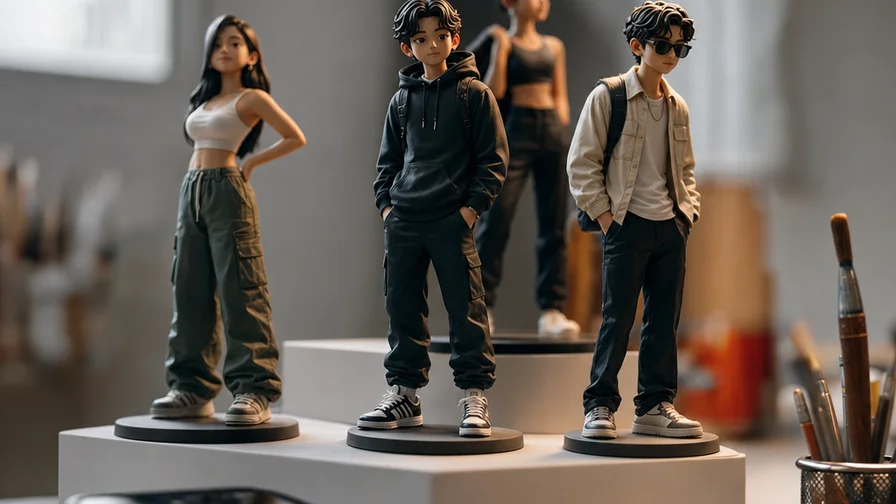
Scroll any feed and you’ll catch it: people turning selfies, pet portraits, and couple photos into glossy, shelf-ready 3D figurines. Think boxed action figures with fake hang tabs, desk statues posed on acrylic bases, or chibi vinyl toys with oversized heads. The images look like product photos from a collector forum—but they’re AI renders. The hook is simple and irresistible. It blends the dopamine of toy collecting with the intimacy of personal photos, and it rides a nostalgia wave for brands like Bandai, Good Smile, and Funko.
Why did it explode? Three reasons. First, the visuals read instantly on small screens—clean backgrounds, bold packaging, shiny plastic highlights. Second, the format is remixable: the same person can appear as a heroic 1/7 scale figure one day and a stylized vinyl the next. Third, new models like Google’s Nano Banana family are excellent at translating a face into toy-like proportions while keeping it recognizable. The result: social posts that look real enough to fool friends for a second, then prompt a comment storm asking “Where can I buy this?”
On Nexvy, all three Nano Banana tiers are available—Nano Banana, Nano Banana 2, and Nano Banana Pro—so you can run the exact workflow the trend uses. It takes one reference image, a short prompt, and a square canvas. Most first‑timers get something shareable in minutes; power users squeeze out perfect likenesses and hyper-clean packaging shots with a few settings and prompt tweaks.
Nano Banana vs. Nano Banana 2 vs. Nano Banana Pro: Which Should You Use?
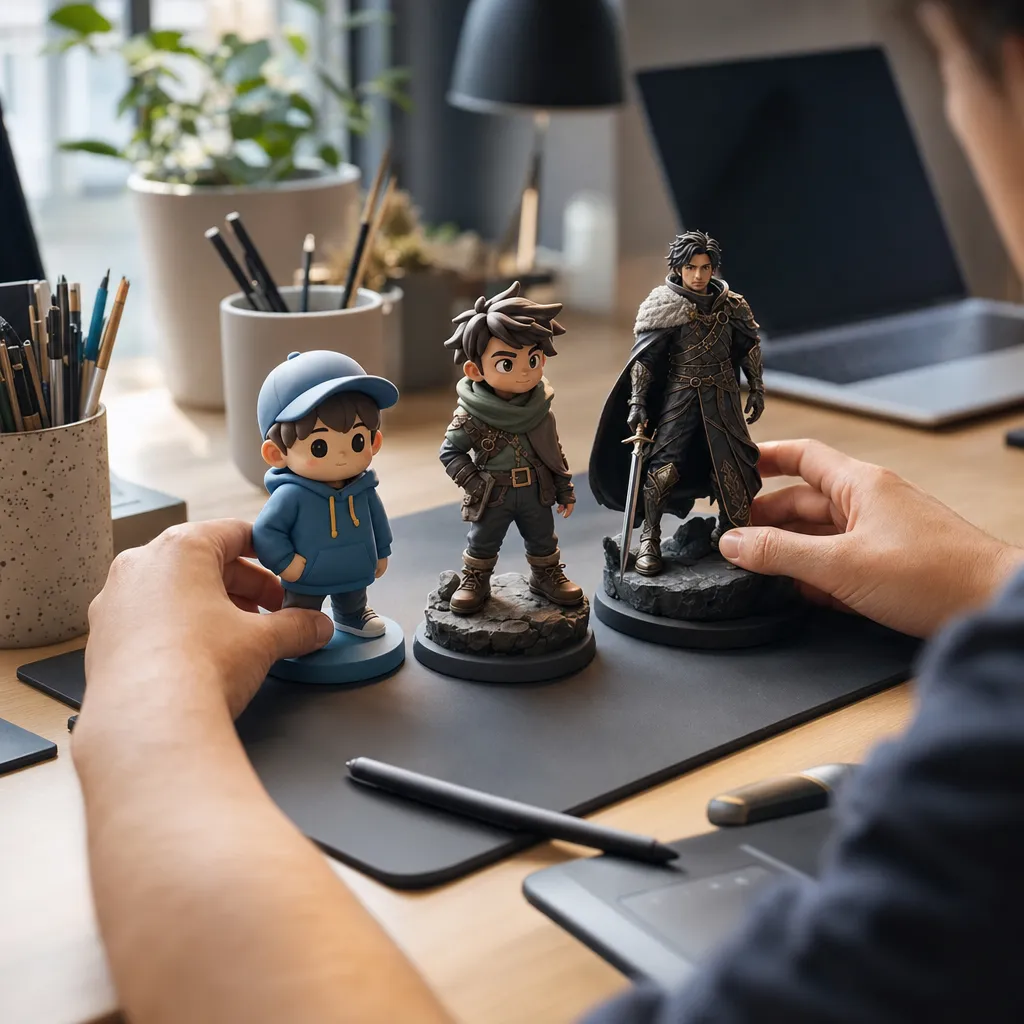
All three Nano Banana tiers can produce convincing figurine renders, but they behave a little differently:
- Nano Banana: Fast and friendly. Great for first passes and playful chibi or vinyl styles. It tends to stylize more and is forgiving of imperfect selfies. If you’re posting a carousel and iterating quickly, start here.
- Nano Banana 2: Better prompt adherence and cleaner geometry accents (edges, panel lines, hard plastic reflections). Faces hold together more consistently at mild toy proportions. This is the tier many creators use for “boxed action figure” compositions with realistic desk environments.
- Nano Banana Pro: The likeness tier. Use it when the face must be dead-on—weddings, client gifts, celebrity lookalikes, or pets with unique markings. Pro typically respects age, skin tone, and facial asymmetry better, and it’s the safest choice for couples or multi-subject scenes where one person kept drifting off-model.
The tradeoff is simple: the higher the tier, the stronger the identity lock and surface coherence you’ll usually get, especially at 1:1 compositions and 1024×1024 or higher. If you like exaggerated toy distortions (giant head, tiny body), start with Nano Banana 2 and then switch to Pro only if the face melts or drifts. If you need “this looks exactly like them,” go straight to Pro and save yourself time.
Step-by-Step on Nexvy: From Photo to 3D Figurine Render
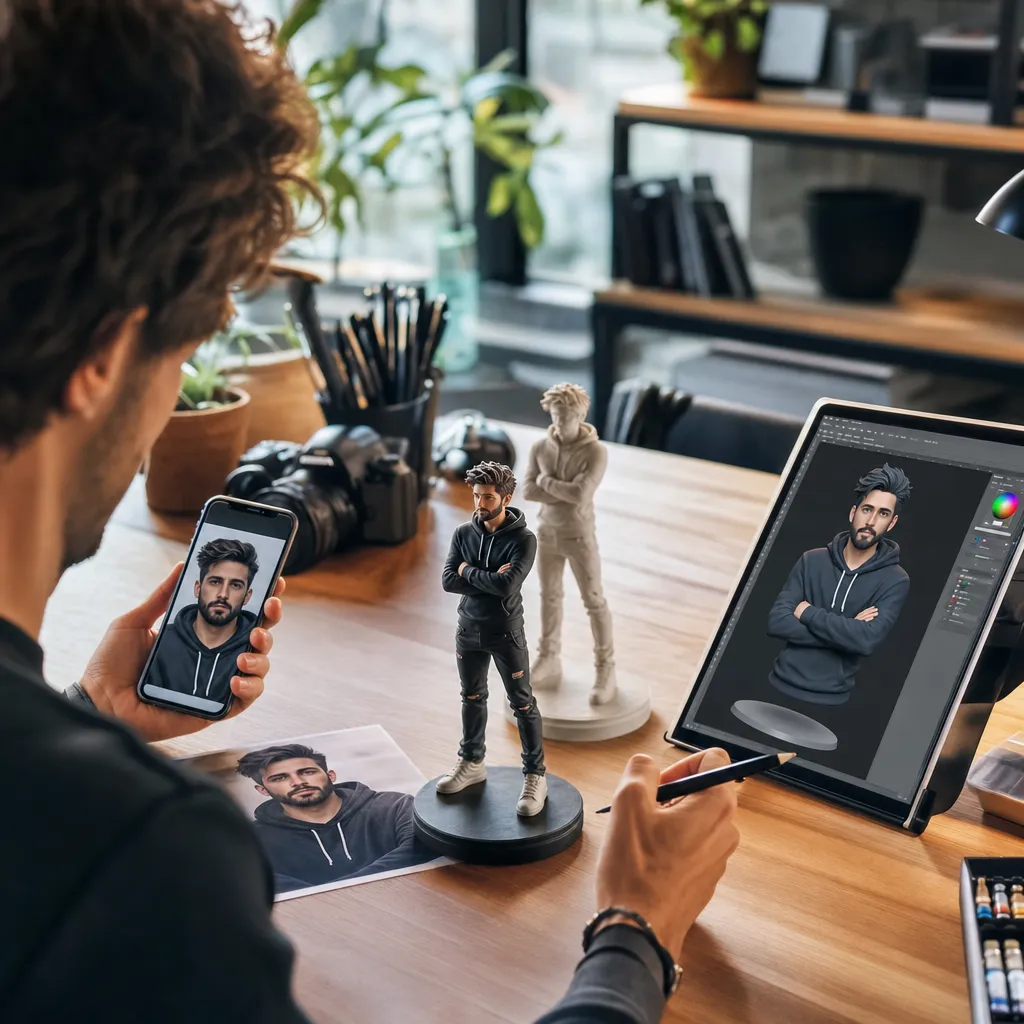
This is the exact, repeatable workflow creators have been using for the viral figurine look. Keep it square, keep it clean.
1) Pick a strong reference photo
- Use a well-lit, front-facing head-and-shoulders shot. Neutral expression or a slight smile works best. Avoid heavy filters and extreme angles.
- Pets: Make sure the eyes are visible and unobstructed. If your pet has distinctive fur patterns, choose a photo where they’re clear.
2) Open Nexvy and choose your model
- Go to the Images workspace, start a new image, and select a Nano Banana tier. For fast tests: Nano Banana. For clean packaging renders: Nano Banana 2. For highest likeness: Nano Banana Pro.
3) Upload the reference
- Attach your selfie or pet photo as the reference image. Keep the canvas square (1:1). If the tool allows resolution choice, 1024×1024 is a solid default for packaging shots.
4) Paste the prompt
- Use the proven prompt template below. It sets the scene, describes the toy format, and guides the style and materials.
5) Generate, then iterate
- Run 1–4 images. Keep the best, then adjust. If the face drifts or looks too cartoony, step up a tier, increase image quality, or reduce stylization cues. Re-run with the same seed if available to make surgical tweaks without changing the whole composition.
Tip: Square canvas works well because it frames the box and desk in a balanced way. If you want wider “store shelf” shots, try 4:5 or 3:2, but be prepared to nudge the prompt to keep the subject centered.
A Proven Prompt Template (Plus 10 Variations That Just Work)
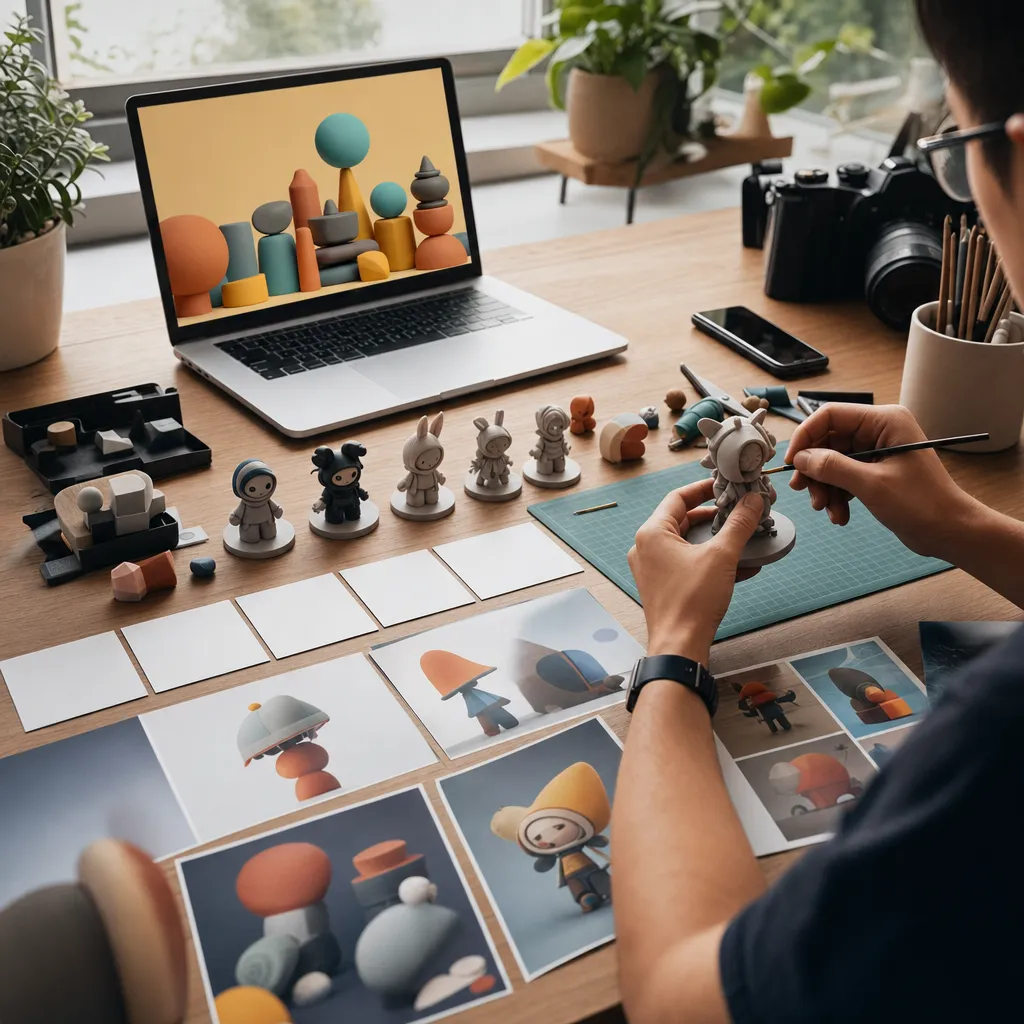
Paste this into the prompt field and attach your reference image. It’s tuned for realism with the classic “desk statue + box” aesthetic:
Template: a 1/7 scale commercialized figurine of the person in the photo, realistic style, on a computer desk, round transparent acrylic base, ZBrush modeling process on the screen, BANDAI-style toy packaging box with original artwork, soft studio lighting, product photo, high detail, sharp focus
From here, swap a few words to push composition, scale, or toy line style. These variations are battle-tested across Nano Banana, Nano Banana 2, and Nano Banana Pro:
- Boxed action figure: boxed 6-inch action figure on a retail shelf, blister packaging, printed character card, hang tab, dramatic rim light, professional product photography
- Funko-style vinyl: cute chibi vinyl toy with oversized head, matte vinyl material, minimal facial features, windowed collector box, clean white backdrop
- Anime figure: 1/7 scale anime figure on a circular acrylic stand, cel-shaded paint, lively hair sculpt, Good Smile-style packaging, convention booth lighting
- Pet figurine: realistic 1/10 scale pet figurine of the animal in the photo, glossy eyes, subtle fur sculpt, nameplate on the base, premium collector box with pawprint motif
- Desk statue only: unboxed desk figurine on a wooden desktop, soft daylight from window, cluttered studio background, shallow depth of field, macro product lens
- Couple figurine: 1/7 scale couple figurines standing together, coordinated bases that connect, matching limited-edition packaging, soft rim light, boutique toy store shelf
- Superhero variant: heroic action pose, stylized muscular sculpt, glossy armor panels, cape flowing, collector’s box with foil stamp, dramatic backlight
- Garage kit resin: unpainted resin garage kit parts on a cutting mat, sprues and sanding sticks visible, instruction sheet, studio overhead light
- Premium statue: 1/4 scale premium polystone statue, realistic paint, subtle skin texture, museum-style plinth, artbook-style packaging photo
- Retro toy aisle: 90s toy aisle scene, multiple boxed figures on a pegboard wall, fluorescent store lighting, price stickers, slightly desaturated film look
If you get text artifacts or off-brand logos on the packaging, add a short negative prompt like “no random text, no watermark, no logo” to keep it clean. When the face keeps warping, add a constraint such as “accurate face, natural proportions, realistic eyes, correct skin tone.” For chibi or stylized variants, you can soften face accuracy prompts a bit to avoid uncanny results.
Face Likeness That Survives Stylization: Practical Fixes and Settings
Getting the toy look is easy. Nailing a face that friends instantly recognize takes a few deliberate moves. Here’s what consistently works with the Nano Banana family:
Start from great pixels
- Reference quality matters. Use a sharp, front-facing photo at good resolution. If the eyes are blurry or heavily shadowed, the model will invent details and drift away from the real person.
- Keep accessories predictable. Big hats, reflective glasses, or hair covering eyes often cause “melted” or misaligned features. If you must keep glasses, try a second variant without them for backup.
Control the stylization pressure
- Strong chibi cues can overpower identity. If the likeness slips, dial back phrases like “oversized head,” “minimal facial features,” and “exaggerated.” Keep the toy vibe in materials and scene rather than extreme proportions.
- Add anchors for realism: “accurate face,” “photoreal complexion,” “natural skin tone,” “correct facial structure.” These tighteners tell the model not to cartoon the face too aggressively.
Know when to move up a tier
- If eyes turn glassy or asymmetry collapses after two or three tries on Nano Banana, switch to Nano Banana 2. If drift persists—especially on side lighting or angled faces—go straight to Nano Banana Pro.
- Multi-subject scenes (couples, human + pet) challenge identity retention. Pro is usually the right answer here.
Handle common failure modes quickly
- Melted face or muddy skin: Increase lighting clarity in the prompt (“soft studio lighting, sharp focus”). Avoid heavy “film grain” or “vintage” styling that hides features. Step up to Pro if needed.
- Wrong proportions: Remove extreme body cues. Replace “giant head” with “slightly stylized proportions.” Ask for a standard figure scale (1/7 or 1/10) and a believable base.
- Packaging dominates, face too small: Push “close-up product photo” and “front of box visible but figurine centered.” Alternatively, choose the “desk statue only” variation so the subject fills the frame.
- Random logos and text: Add negatives: “no brand logos, no watermark, no random text.” Keep “BANDAI-style” or “Good Smile-style” purely as style cues; you don’t need real brand marks for the look.
- Harsh reflections on glasses: Ask for “soft box lighting, minimal reflections” or run one variant with “no glasses” if the likeness keeps breaking.
Iterate the right way
- Keep a seed when refining. Tiny wording tweaks plus a fixed seed let you recover a great pose while repairing the face.
- Change one variable at a time—model tier, lighting phrase, or the toy format. Wholesale prompt rewrites make it hard to learn what worked.
If your workflow supports multiple reference images, two shots from similar angles and lighting can stabilize identity. That said, with Nano Banana Pro and a solid prompt, a single clean selfie is usually enough to hit “that’s definitely them” in a toy context.
Where These Renders Shine: Uses That Get Likes and Smiles
Figurine shots carry a “this could be real merch” vibe, which is why they perform well across platforms. A few ideas that consistently land:
- Social carousels: Post three angles—boxed, unboxed on desk, and a macro close-up of the face sculpt. It reads like a mini product launch.
- Birthday and holiday gifts: Send a figurine render with a personalized base text (nameplate, hobby icon). Print on glossy paper or a small canvas block.
- Profile pictures: Chibi or vinyl variants make playful, approachable avatars without giving up recognizability.
- Couple and family reveals: Matching bases that snap together work great for engagement posts or pet‑parent intros.
- Creator merch mockups: Use the “retro toy aisle” or “foil-stamp premium box” variants as concept art for future merch pages.
Credits stretch far here because one strong render can be repurposed into multiple crops and color grades. The format also pairs nicely with Nexvy’s other image or video models if you later want motion promos or short teasers.
Try the Figurine Trend on Nexvy: Credits, Speed, and the Telegram Bot
Nexvy brings the full Nano Banana family into one place, alongside 30+ other models for images, video, audio, and music. For figurines, you only need a single tier to start: Nano Banana costs just 60 credits per image, which makes experimenting affordable enough to find your favorite style before you commit to a final post or gift.
Prefer to work directly from chat? The Telegram bot @nexvyai_bot can run the same workflow: send your selfie, paste the prompt, and get back a boxed action figure or desk statue without leaving Telegram. It’s handy for quick takes during a shoot or when a client sends a last‑minute photo.
If you’re serious about face fidelity—weddings, professional headshots reshaped into premium statues, or pairs of people where one keeps drifting—step up to Nano Banana Pro on Nexvy. You’ll keep the toy charm while preserving bone structure, eye spacing, and age cues that sell the likeness. Then share the results, tag the friend you “turned into a collectible,” and watch the comments roll in asking where the pre-order link is. Give the trend a try on nexvy.ai and see how fast a single selfie becomes a display-worthy render.