Three Proven Ways to Combine Images in Midjourney V7
1) Multi‑image prompting for blend‑style merging
Midjourney V7 can read more than one image at a time. Give it two or more reference images, then add text to steer composition, lighting, or mood. Think of this as “vibe blending” and structural merging. It works for portraits plus textures, product shots plus environments, or fusing two source subjects into a single new design.
How it works: place multiple image URLs at the start of your prompt, then add your text. Use --iw (image weight) to turn image influence up or down relative to your text. If one source should lead, list it first. If it still doesn’t dominate, duplicate that image URL once—repetition gives it more pull.
Prompt pattern:
[imageA URL] [imageB URL] your guidance text here --iw 0.8 --ar 4:5
Keep source images high resolution and visually clean (consistent lighting helps). The model will attempt to reconcile composition, so asking for “centered portrait” or “wide establishing shot” clarifies layout when your sources disagree.
2) Style Reference (style transfer without losing content)
Style Reference tells Midjourney V7 to borrow the surface aesthetics—palette, brushwork, grain—from a separate image, but not the literal subject. Use it to repaint a portrait in a watercolor look, give a product photo a moody cinematic grade, or adapt a building render to a hand‑drawn ink style.
How it works: add a style image with --sref and steer intensity with --sw (style weight). Your main prompt and any content images define the subject. The style image defines the look.
Prompt pattern:
[subject image URL] detailed instructions... --sref [style image URL] --sw [weight]
If the output feels too painted or too subtle, nudge style weight up or down until the finish lands where you need it. Combine with --stylize to loosen or tighten MJ’s overall artistry.
3) Character/Subject Reference (consistent identity across scenes)
Character Reference locks onto a person, mascot, product angle, or creature so it stays recognizable across environments. This is ideal for creating a series: the same CEO across backdrops, a branded bottle in multiple locations, or a comic character moving through scenes.
How it works: add a subject reference with --cref and control how faithfully MJ tracks identity using --cw (character weight). Pair with text that describes pose, setting, and action.
Prompt pattern:
Your scene description... --cref [subject image URL] --cw [weight] --ar 3:2
If identity slips, increase character weight or provide a cleaner reference with an unobstructed face, logo, or silhouette. Use multiple clean angles if you must, but keep them visually consistent.
Step‑by‑Step: Blending Images on Nexvy with Midjourney V7
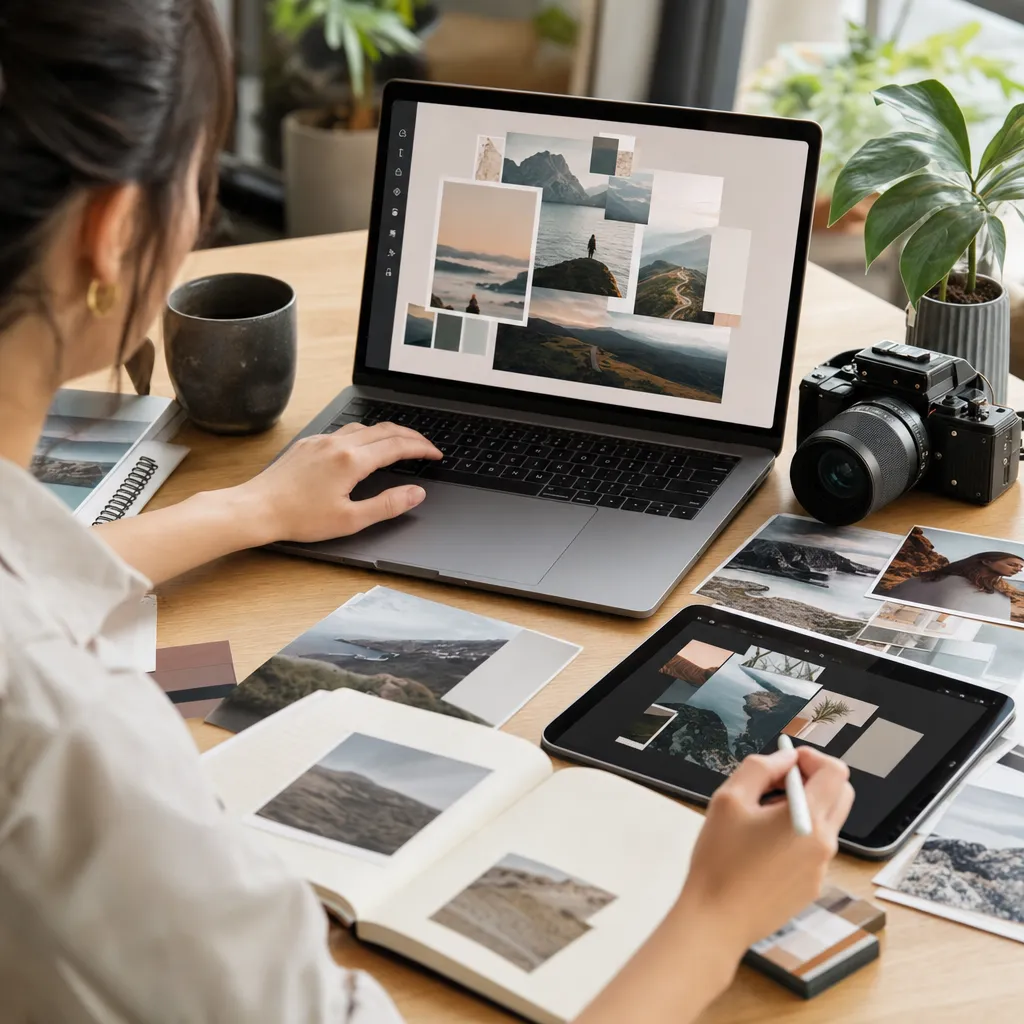
Nexvy runs Midjourney V7 in your browser—no Discord login, no juggling servers. You can attach image files directly or paste URLs, then use the same parameters you’d expect from MJ. Here’s the fastest way to a strong composite.
- 1) Pick the model: In the Model dropdown, choose Midjourney V7.
- 2) Add your sources: Click Add Images to upload 2+ references, or paste direct image URLs. Place your primary subject first if one source should lead.
- 3) Write the guidance text: One clear sentence beats a paragraph. Anchor composition, lighting, and camera: “centered 3/4 portrait, soft window light, shallow depth of field.”
- 4) Set weights and references: Use the parameters box to add:
- --iw image weight (tunes image influence vs text)
- --sref [style image URL] and --sw for look transfer
- --cref [subject image URL] and --cw for identity consistency
- --stylize to relax or tighten MJ’s stylization
- 5) Choose aspect ratio: --ar 1:1 for square portraits and hybrids, --ar 4:5 or 3:2 for editorial frames, --ar 16:9 for landscapes or architecture. Match your target platform when possible.
- 6) Optional controls: Add --seed to make results repeatable. Use --no text or --no watermark to suppress unwanted overlays from sources.
- 7) Run and iterate: Nexvy shows the credit cost per job before you generate. Upscale, vary, or slightly rewrite the prompt if one reference overpowers the rest.
Prompt patterns you can copy:
Multi‑image blend:
[img1 URL] [img2 URL] cinematic portrait, center frame, natural skin tone --iw 1 --ar 4:5
Style transfer with subject control:
[subject image URL] confident corporate headshot, soft Rembrandt lighting --sref [style image URL] --sw [weight] --ar 1:1
Character consistency across a new scene:
A cafe interior, warm morning light, candid pose, 50mm look --cref [face image URL] --cw [weight] --ar 3:2
Nexvy exposes these parameters cleanly and keeps everything in one place. If you ever need to switch models—say, to an instruction‑heavy editor—you can do that from the same panel.
Recipe Gallery: Four Blends You Can Recreate Today
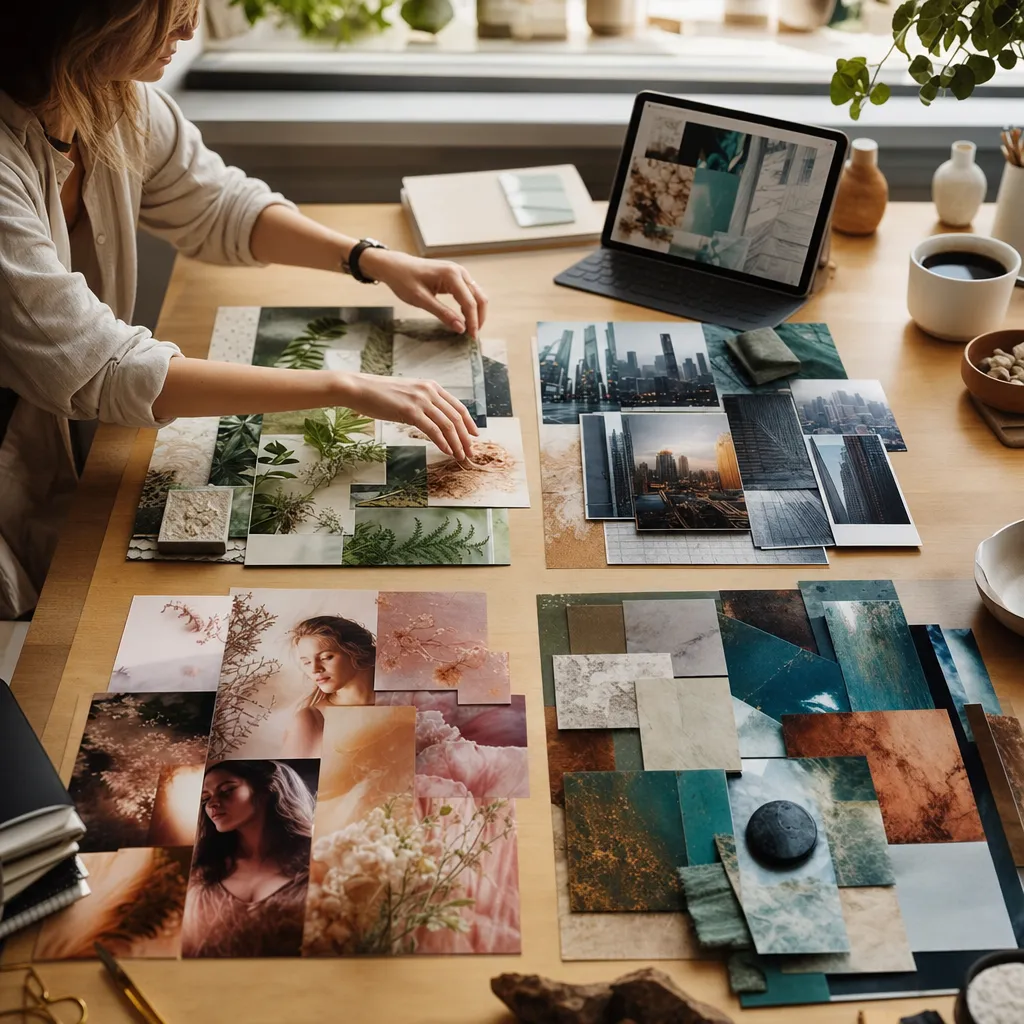
1) Portrait + Art Style (real person, painterly finish)
Goal: Keep a person’s identity but render them in a classic ink‑and‑wash style.
You’ll need: a clean head‑and‑shoulders portrait, an art sample with the desired texture (scanned watercolor, lithograph, charcoal sketch).
Prompt:
[portrait.jpg] thoughtful 3/4 portrait, soft window light, paper grain visible --sref [ink_wash_reference.jpg] --sw [medium] --iw 0.9 --stylize [moderate] --ar 4:5
Tuning tips: If likeness drifts, add --cref [portrait.jpg] and raise --cw. If the style overwhelms skin tone, lower --sw and add “natural skin, subtle texture” to your text.
2) Product Photo + Scene (ground truth object, new background)
Goal: Place a studio‑shot sneaker into a boardwalk at sunset without losing branding or shape.
You’ll need: a cutout or clean‑background product shot, a vibe reference (optional: a beach sunset photo as style reference for color grading).
Prompt:
[sneaker.png] detailed lifestyle shot on a wooden boardwalk at golden hour, realistic contact shadow, subtle reflection --sref [sunset_style.jpg] --sw [low‑medium] --iw 1 --ar 3:2 --no text --no watermark
Tuning tips: If the product warps, add --cref [sneaker.png] and raise --cw. Ask for “orthographic product fidelity, maintain logo shape” to reinforce geometry. If shadows feel fake, explicitly state “shadow angle matches low sun, warm rim light.”
3) Two Pets into One Image (hybrid creature that reads as both)
Goal: Merge a tabby cat and a golden retriever into one whimsical, believable hybrid.
You’ll need: a clear cat portrait and a clear dog portrait, both front‑facing.
Prompt:
[cat.jpg] [dog.jpg] a single cohesive animal portrait combining features from both references, friendly expression, studio lighting, detailed fur, symmetrical face --iw 1 --ar 1:1
Tuning tips: If one species dominates, duplicate the lighter reference URL or slightly lower --iw and strengthen text like “equal blend of feline and canine features, 50/50.” For more control, use the dog as --cref and the cat as --sref to inject coat pattern as “style” rather than structure.
4) Architecture Style Mix (concept building from mismatched eras)
Goal: Create a façade that fuses Gothic spires and Japanese temple roofs.
You’ll need: a Gothic cathedral reference, a Japanese temple reference, optional pen‑and‑ink style image.
Prompt:
[gothic.jpg] [japanese_temple.jpg] concept elevation, crisp lines, balanced symmetry, realistic stone and wood joinery, morning overcast light --sref [ink_linework.jpg] --sw [low] --iw 0.9 --stylize [low] --ar 16:9
Tuning tips: Lower --stylize and keep --sw restrained so the structure remains readable. If the roofline collapses, specify “distinct tiered eaves above pointed arches, clean separation of elements.”
Troubleshooting: Fix Dominance, Drift, and Muddy Mixes
- One image keeps taking over
- List the dominant source second and the intended hero image first.
- Raise --iw so images, not text, steer more.
- Duplicate the hero image URL once for extra pull.
- Reduce style intensity if you’re using --sref and it’s repainting everything too strongly (lower --sw).
- Identity drift (face or product changes between runs)
- Use --cref [subject] and raise --cw until likeness locks.
- Provide a cleaner reference: front‑facing, unobstructed, no extreme makeup or motion blur.
- Keep the aspect ratio steady. Add --seed for repeatability.
- Muddy composites (textures fight, lighting clashes)
- Match lighting direction across sources when possible.
- Add precise light cues: “soft top‑down key, cool bounce from left, minimal fill.”
- Lower --stylize so MJ doesn’t over‑paint detail.
- Use --no text, --no watermark if sources contain overlays that the model might echo.
- Composition chaos (subjects cropped or off‑center)
- State framing clearly: “centered, head to shoulders, generous breathing room.”
- Pick an aspect ratio first and stick to it: --ar 4:5 for portraits, --ar 16:9 for wide architecture.
- When mixing many sources, start with two. Nail balance, then add a third.
- Style transfer feels too weak or too strong
- Adjust --sw up for bolder palette/texture, down for subtler grading.
- Pair with a lower --stylize if content fidelity matters more than pizzazz.
- Product geometry warps
- Add --cref using the cleanest product angle you have; raise --cw.
- Reinforce with text: “true perspective, logo proportions intact, crisp edge fidelity.”
When to Pick Midjourney V7 vs Nano Banana Pro for Image Combos
Nexvy puts both Midjourney V7 and Nano Banana Pro one dropdown away, and they’re excellent at slightly different things.
Choose Midjourney V7 when you want:
- Gorgeous vibe blending across multiple images with a strong artistic hand.
- Rich style transfer via --sref that repaints scenes with convincing palette and texture.
- Fast ideation of looks—portraits, lifestyle, concept art—where a little magic is welcome.
- Character continuity that’s good enough for series work using --cref, especially with clean references.
Choose Nano Banana Pro when you need:
- Tighter instruction following for layout and edits (“place the bottle at 30 degrees on the right, cast a 2 cm shadow”).
- Targeted changes like “keep the logo untouched, only recolor the midsole,” or “merge these two pets but keep the cat’s eye shape exactly.”
- Iterative control where you refine masks, preserve precise geometry, or respect brand constraints more rigidly.
- Production‑ready compliance on packaging, merchandising mockups, or technical composites.
A simple rule: if the output benefits from a strong, tasteful aesthetic push, start with Midjourney V7. If the task reads like a design spec with specific constraints, Nano Banana Pro often lands closer on the first try. Because Nexvy centralizes both models (plus others like FLUX, Ideogram, and Seedream), you can A/B the same sources without rebuilding your workflow.
Aspect Ratio and Weight Tips That Save Time
Small parameter choices make or break a blend. These shortcuts keep results predictable.
- Lock the canvas early: Decide --ar before you iterate. It stabilizes composition and helps references map cleanly.
- Balance text and images: If you wrote strong styling text, lower --iw so words lead. If you care most about literal fusion, raise --iw.
- Use repetition with restraint: Duplicating a key image URL adds pull, but do it once. Too much repetition can collapse variety.
- Stylize intentionally: Lower --stylize for product and architecture blends; raise it for painterly portraits and moody composites.
- Keep references legible: Faces should be front‑facing and well lit. Products should be high‑contrast against background. Noisy or tiny inputs produce confusing merges.
- One knob at a time: Change --iw, --sw, or --cw in small steps. Over‑tuning three knobs at once makes it hard to learn cause and effect.
Blend Images with Midjourney V7 on Nexvy
Nexvy unifies 30+ creative models—images, video, audio, music—so you don’t have to bounce between apps. Midjourney V7 runs right inside Nexvy with image prompts, --sref/--cref, and familiar parameters. You can also switch to Nano Banana Pro for instruction‑precise edits without re‑uploading sources.
No Discord login. No separate subscription. Just pick Midjourney V7, attach your images, set weights and aspect ratio, and generate. If you’re blending portraits with art styles, dropping products into scenes, or mixing architecture eras, this workflow gets you there quickly—and lets you compare models when you need extra control.
Give it a try on nexvy.ai and start combining images the way you’ve always pictured them.