What Makes a Great Sticker (Small, Loud, and Clear)
Stickers live in a tiny box on fast-moving chats. If your art reads instantly at 512×512 pixels, it wins. If not, it gets ignored. Here are the practical traits that make WhatsApp and Telegram stickers work.
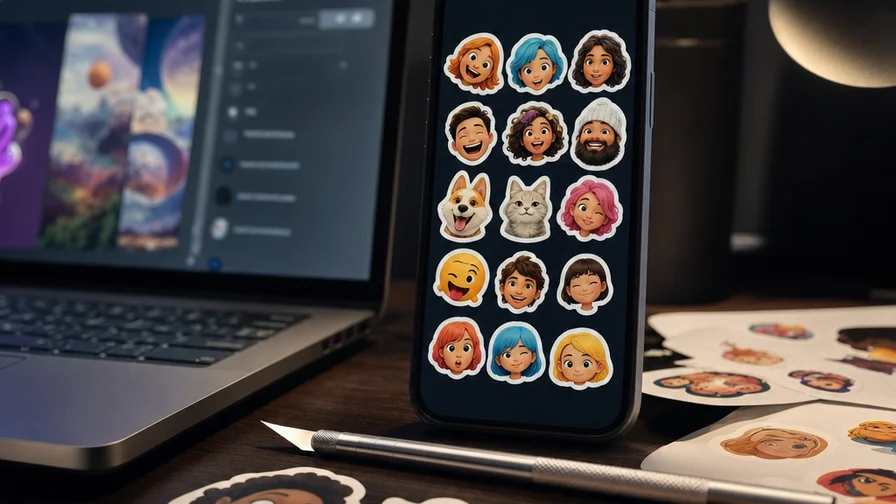
- Bold outlines: A thick, clean stroke snaps the silhouette into focus at small sizes. Think “die-cut” edges with a 6–12 px white border around the character or phrase.
- Transparent-friendly composition: Avoid wispy edges and complex backgrounds. Design as a self-contained shape that looks good floating on any chat color.
- Readable at small size: Use chunky shapes, large facial features, and high-contrast palettes. If you’re adding words, treat text like a logo—few words, fat letters.
- Exaggerated emotion: Stickers aren’t portraits; they’re reactions. Push expressions beyond real life: wide eyes, squashed cheeks, massive grins, big tears, motion lines.
- Flat color + limited shading: Keep it simple. Two or three tones per area. Hard shadows beat smooth gradients for clarity.
- Whitespace buffer: Leave a halo of negative space inside the border so elements don’t kiss the edge when shrunk.
These guidelines line up perfectly with the “classic” sticker look. On a unified platform like Nexvy, which brings models such as Nano Banana, Midjourney, GPT Image 2, FLUX, Ideogram, and Seedream under one roof, you can prompt directly for this aesthetic instead of fixing it later in an editor.
Generate Sticker Art on Nexvy: Model Playbook and Prompts
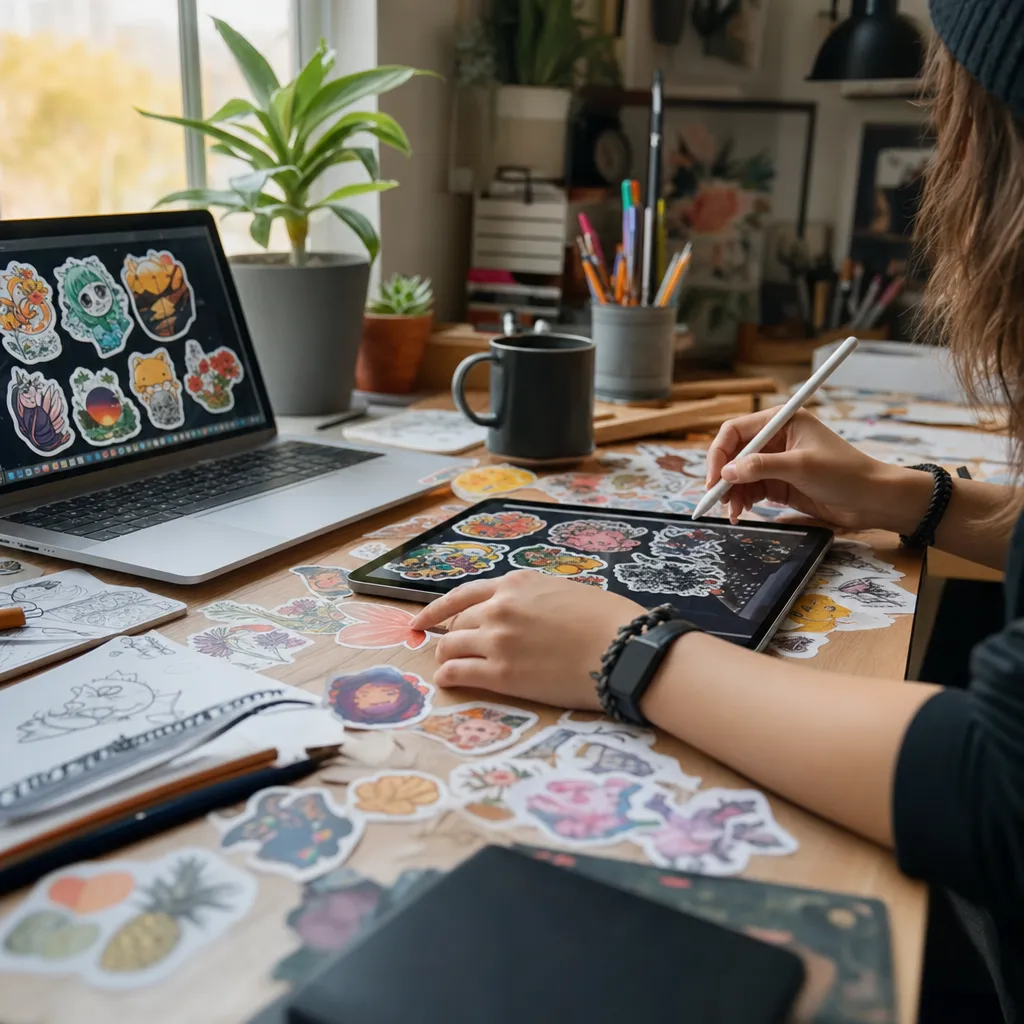
Below are working prompt templates and model picks for different sticker types. You can paste these into Nexvy as starting points and tweak keywords for your character, brand, or catchphrase.
The classic die-cut sticker look (base template)
Use this phrasing across models to get that bold, chat-ready style:
- Prompt: “die-cut sticker style, thick white border, bold flat colors, simple background, clean vector-like shading, thick black outlines, high-contrast, transparent background look, readable at 512x512, exaggerated expression”
Photo-to-sticker character (Nano Banana)
Best for: Turning your own face into a consistent sticker character with clean outlines.
- Input: Upload a selfie or portrait with even lighting.
- Prompt: “cartoon sticker of the person in the reference image, die-cut sticker style, thick white outline, bold flat colors, simplified features, expressive eyes, no complex background, transparent background look, 512x512 composition”
- Tip: Aim for frontal or 3/4 angle. Glasses and hair volume make silhouettes pop.
- Cost: On Nexvy, Nano Banana outputs cost roughly 60 credits per sticker, which makes batch creation practical.
Text-heavy reaction stickers (GPT Image 2 or Ideogram)
Best for: Single-phrase catchwords, meme text, brand slogans where legibility matters.
- Prompt (GPT Image 2): “bold bubble text ‘NOPE’ as a sticker, thick white border, chunky hand-lettering, high contrast, flat colors, clean shadow, no background clutter, optimized for 512x512, readable at small size”
- Prompt (Ideogram): “expressive lettering sticker: ‘BRB’, big rounded letters, die-cut white outline, bold flat palette, comic energy lines, transparent-friendly, minimal background, crisp silhouette”
- Tips:
- Cap words at 3–10 characters for legibility.
- Ask for “stacked text” if you need two lines.
- Add a tiny face/hand icon beside text for emotion without clutter.
Illustrated packs (Midjourney, FLUX, Seedream)
Best for: A full custom character, mascot, or stylistic sets (cute, comic, anime, painterly).
- Prompt (Midjourney): “chibi mascot raccoon waving, die-cut sticker style, thick white border, thick black outline, bold flat color blocks, minimal shading, big expressive eyes, simple background, readable at 512x512”
- Prompt (FLUX): “minimalist kawaii cat head sticker, clean geometry, bold flat pastels, thick white die-cut border, simple shapes, high contrast, transparent-friendly”
- Prompt (Seedream): “anime-style character sticker, big sparkly eyes, bold cel-shading, die-cut look with thick white outline, simple gradient background for easy removal, strong silhouette”
- Tip: If transparency isn’t native to the model, request a plain white or solid color background so removal is trivial later.
Keep a consistent look across a pack
- Midjourney: Use --cref (character reference) with an image URL of your base character to keep proportions and facial traits across poses; add --sref for style reference if needed.
- Nano Banana: Reuse the same portrait as reference for each emotion prompt; keep “die-cut sticker style, thick white border” consistent.
- GPT Image 2 / FLUX / Seedream: Upload the same character image as part of the prompt (image + text) and describe the new pose/emotion.
You can do all of this inside Nexvy without hopping between services—that’s the perk of a unified platform pulling multiple image models and workflows into one place.
Recipe: A 12-Emotion Sticker Set from One Character
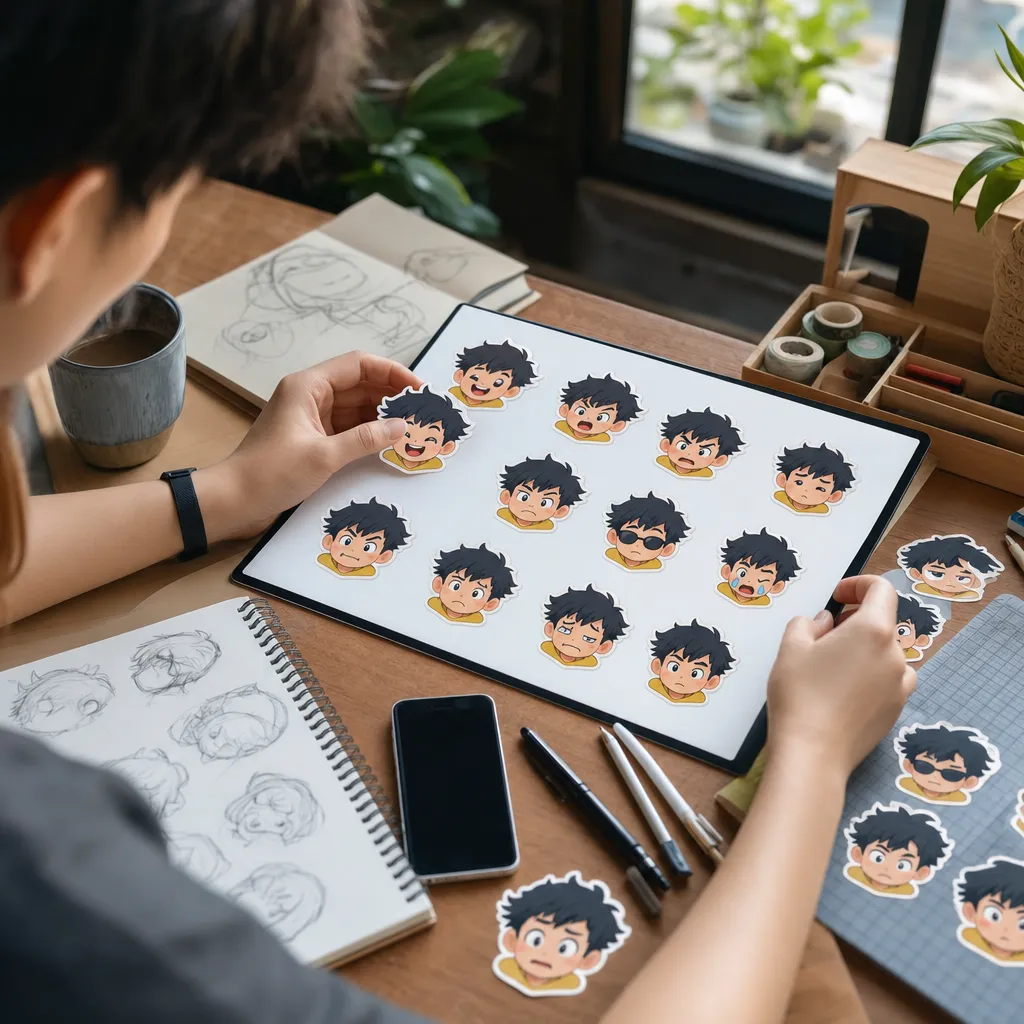
This is a practical batch plan that yields a cohesive pack. You’ll create one base design, then generate variations with the same character reference.
Step 1 — Create your base character
- Decide on style: human caricature (Nano Banana), mascot (Midjourney/FLUX), or anime (Seedream).
- Generate a neutral pose with a front-facing head and shoulders. Keep the thick white border and flat colors.
- Export or save the image URL as your reference anchor.
Step 2 — Lock consistency
- Midjourney: Re-run generations with --cref [url] and the same style cues. Add “consistent outfit/hair” and “same color palette.”
- Nano Banana: Use the same portrait upload each time; keep the prompt structure unchanged except for emotion and pose terms.
- All models: Keep “die-cut sticker style, thick white border, bold flat colors” in every prompt.
Step 3 — Generate the 12 emotions/reactions
Use a short, clear action line for each. Add a matching emoji in brackets to cue the vibe while prompting.
- Happy (😀): big grin, upturned eyes, sparkles around face
- Crying (😭): teary eyes, streaming big tears, droopy mouth
- Thumbs up (👍): one hand forward, exaggerated thumb
- Facepalm (🤦): hand to forehead, embarrassed slouch
- Love (😍): heart eyes or floating hearts, warm blush
- Angry (😡): frown, vein pop mark, red tone accents
- Shocked (😱): wide O mouth, big eyes, motion lines
- Wink (😉): one eye closed, playful smile
- Thinking (🤔): hand on chin, furrowed brow
- Party (🥳): confetti, party hat, open-mouth cheer
- Sleepy (😴): closed eyes, Zzz, cozy tilt
- OK/Peace (👌✌️): hand gesture forward, calm smile
Step 4 — Add text-only variants (optional)
For extra coverage, make 2–4 text stickers with GPT Image 2 or Ideogram that match the pack’s palette and border:
- “OKAY!” “NOPE” “ON IT” “BRB” — stacked or single line.
- Prompt emphasis: “big rounded letters, thick white die-cut border, bold flat colors, legible at 512x512, mild drop shadow.”
Step 5 — Quick polish checklist
- Ensure borders are consistent thickness across the set.
- Boost contrast: if hair and border blend, darken the outline.
- Crop to a tight square; leave a touch of inner whitespace.
- Export to PNG or WebP before upload.
Packaging for Telegram: @Stickers Flow, Size, and Background
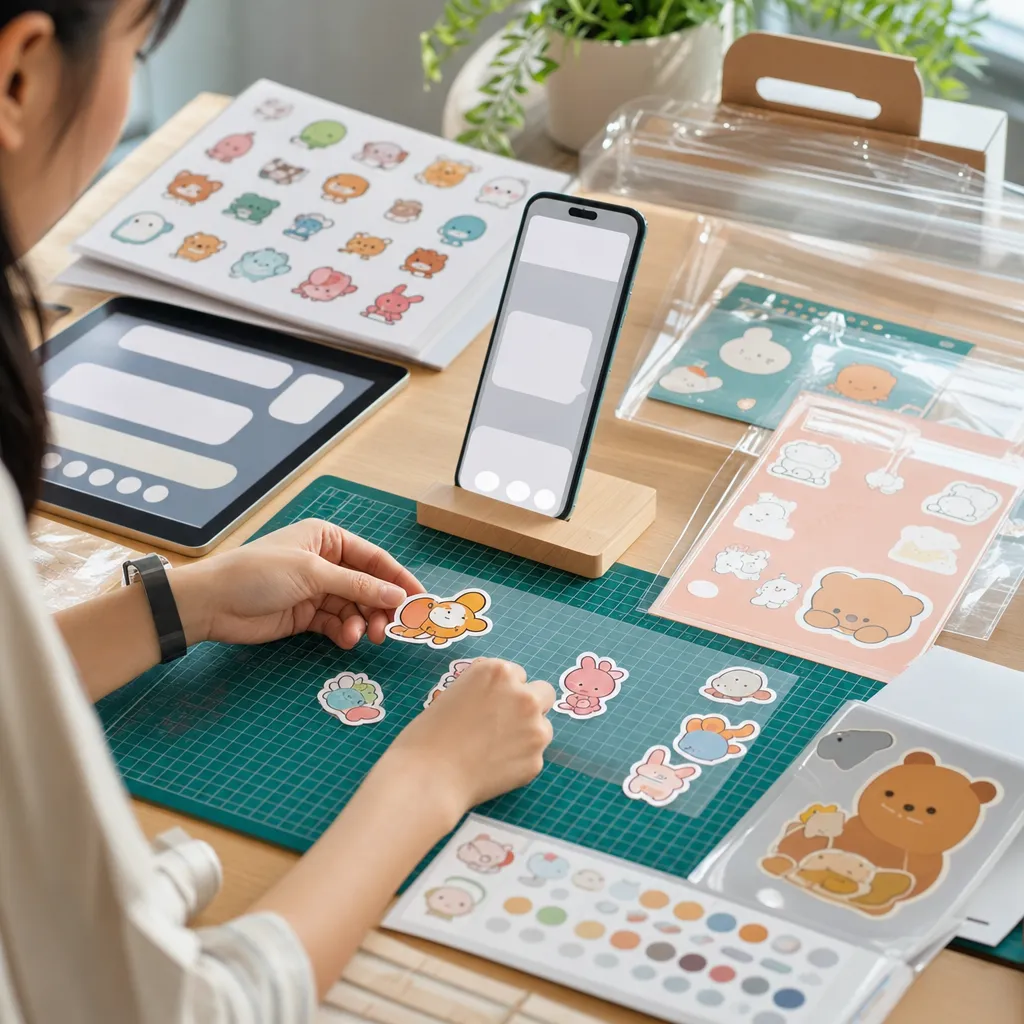
Telegram’s native sticker system is straightforward once assets are ready.
File and size basics
- Canvas: 512×512 px per sticker.
- Format: PNG or WebP for static stickers.
- Background: Transparent is ideal. If your model can’t output transparency, generate on flat white and remove it.
Background removal options
- Ask models for “simple/solid background” and then erase with tools like remove.bg, PhotoRoom, or Photoshop’s Remove Background.
- Mobile apps such as Sticker Maker and PicsArt include a manual/AI eraser.
Use @Stickers to publish
- Open Telegram and start a chat with @Stickers.
- Send /newpack for a static pack (or /newanimated / /newvideo if you’re doing animated/vector or video formats).
- Provide a pack title when asked.
- Upload each sticker image as a file (not compressed). After each image, @Stickers asks for an associated emoji. Pick the closest match (e.g., 😀 for Happy, 👍 for Thumbs up). This mapping improves search in chats.
- When all files are uploaded, send /publish. You’ll set a short name to get a t.me/addstickers/yourpack link.
Animated and video notes (optional)
- Animated (.tgs): Vector-based Lottie files; small, crisp, but illustration-heavy workflow.
- Video (.webm): Great for moving stickers; keep short loops and simple backgrounds.
For your first AI pack, static PNG/WebP is the fastest path, and it already covers most reactions users need.
Packaging for WhatsApp: Mobile-Friendly Workflow
WhatsApp doesn’t have a native upload bot; you package stickers through phone apps that convert files into a pack.
Recommended apps
- Sticker Maker (iOS/Android): Imports PNGs, offers background eraser, exports to WhatsApp.
- Sticker.ly (iOS/Android): Good for batch packs and auto-cuts.
- WSTick (Android): Simple folder-to-pack pipeline.
WhatsApp size and format
- Canvas: 512×512 px per sticker (transparent background).
- Format: Typically WebP on export. Most apps handle conversion from PNG to WebP automatically.
- File size: Keep each sticker lightweight (many apps aim around ≤100–150 KB). Compression happens on export.
- Pack requirements: At least 3 stickers to publish, plus a small pack icon (usually 96×96 px with transparency).
Workflow
- Save your generated stickers to your phone as PNGs with transparency.
- Open a sticker-maker app and create a new pack; set name and author.
- Import images, adjust borders if the app offers a die-cut effect (leave it off if you already baked a thick white border).
- Export/send to WhatsApp when the app shows the pack is valid. Your stickers appear in the sticker tray inside chats.
Ideas That Actually Get Used (Plus the Full-Circle Telegram Trick)
Good sticker packs solve everyday messaging. Here are sets that stick:
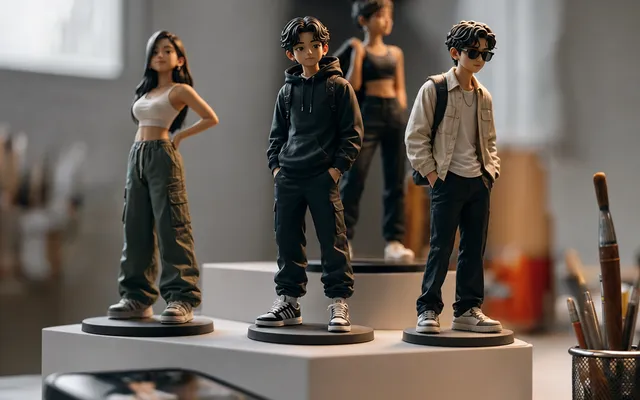
- Personal meme pack: Your face, but cartooned. Use Nano Banana with a selfie and produce 12 reactions you actually send: yes/no, late, lunch?, on my way, facepalm, lol.
- Brand mascot: Turn your logo character into expressive poses. Midjourney or FLUX produces clean, minimal silhouettes. Add 2–3 short slogan stickers using GPT Image 2 for legible type.
- Pet stickers: Cats, dogs, birds—upload a few photos to Nano Banana for consistent chibi versions. Exaggerate ears and tails for silhouette variety.
- Couple pack (gift): Two-character set with mirrored emotions (her happy/his happy, her mad/his mad). Share the pack link privately.
The full-circle Telegram trick
You can do everything inside Telegram—no desktop round-trips.
- Open @nexvyai_bot in Telegram.
- Generate your sticker art with the models available via Nexvy’s bot interface:
- Nano Banana for portrait-to-sticker conversions (selfies to cartoon characters).
- Midjourney for stylized mascot sets (use a base and keep consistency).
- GPT Image 2 for crisp text stickers (“NOPE”, “BRB”, “OKAY!”).
- Save the outputs (PNG/WebP). If transparency is missing, quickly run a background remover app on your phone.
- Open @Stickers in Telegram, send /newpack, and start uploading—still in the same app.
You’ll move from idea to published pack in minutes, especially once your prompts are dialed in.
Practical Prompt Snippets You Can Reuse
Customize the brackets with your character or phrase. Keep the die-cut cues intact for consistency.
- Selfie to cartoon reaction (Nano Banana): “cartoon sticker of [me], [emotion], die-cut sticker style, thick white border, bold flat colors, thick black outlines, big eyes, 512x512 composition, no background”
- Mascot set (Midjourney): “[animal/mascot] [doing reaction], die-cut sticker style, thick white outline, minimal background, flat cel shading, high contrast, chibi proportions, readable at 512x512 --cref [base character url]”
- Text sticker (GPT Image 2): “bubble lettering sticker: ‘[WORD]’, big rounded letters, die-cut white border, bold flat palette, small drop shadow, legible at small size, centered layout”
- Anime vibe (Seedream): “[character] [emotion], anime chibi, bold cel shading, die-cut sticker look, thick white border, simplified background, cute proportions, sparkling highlights”
- Minimal geometric (FLUX): “[simple mascot] head-only sticker, thick white die-cut border, flat pastel palette, no gradients, high-contrast eyes, clean silhouette”
For every prompt: if the model doesn’t produce a true alpha channel, just ensure the background is plain white or a single flat color to make quick removal lossless.
Start Your First Pack
Create your base character, run the 12-emotion recipe, and package for Telegram or WhatsApp in one sitting. Nexvy unifies top models—Nano Banana, Midjourney, GPT Image 2, FLUX, Ideogram, Seedream—so you can switch styles without jumping platforms. Inside Telegram, @nexvyai_bot lets you generate and publish through @Stickers without leaving the app. If you’re turning selfies into stickers, plan for 60 credits per sticker with Nano Banana, then batch the set for consistency and cost control.
Make your first pack today on nexvy.ai or directly in Telegram. Aim for loud silhouettes, clean borders, and big emotions—your chats will thank you.