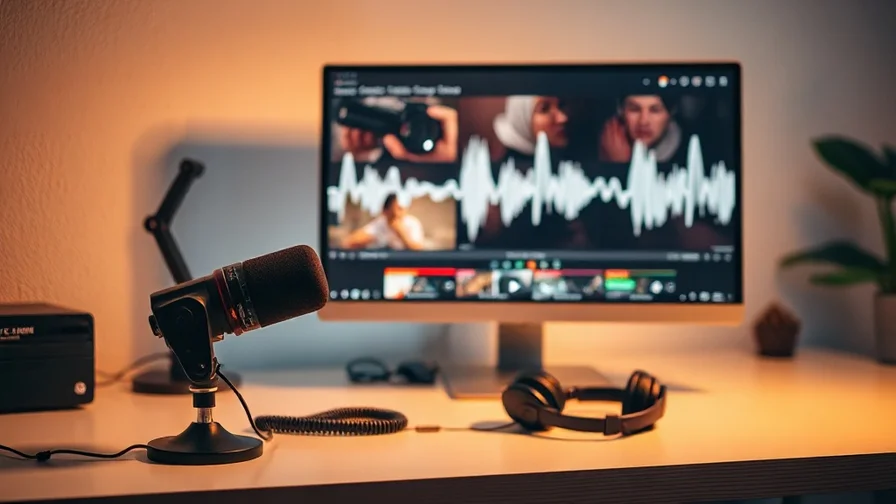
A faceless video is a fully produced clip with no camera and no on-screen presenter — narration plus visuals plus music. In 2026 every layer is AI-generated, so you can go from idea to upload in an afternoon. Here's the exact step-by-step.
Step 1 — Write the script
Use an LLM to draft the script, then edit it. Two rules that decide performance:
- Nail the hook. The first 5 seconds determine retention — open with the payoff or a question, not a slow intro.
- Write for the ear. It's going to be spoken, so short sentences, plain words, natural rhythm.
Step 2 — Generate the voiceover
This is what makes it "faceless." Turn the script into narration with AI TTS (ElevenLabs). Pick one voice and reuse it — consistency becomes your channel's identity. Generate section by section so it's easy to re-roll a line. See our ElevenLabs TTS guide for natural-sounding results.
Step 3 — Create the visuals
Time the visuals to the narration. Two routes:
- AI images, panned and zoomed — cheapest, classic for explainer and "top 10" videos. Generate an image per beat.
- AI video clips — animate stills with Kling (image-to-video, cheap), or generate short clips with Seedance/Veo for motion and hero shots. See best AI video generators 2026.
Match each visual to what the narrator is saying at that moment — mismatch is the most common reason faceless videos feel cheap.
Step 4 — Add music
Drop an instrumental bed under the narration with Lyria (loopable moods) or an original track from Suno. Keep it low in the mix so it lifts the narration without fighting it.
Step 5 — Caption and export
Add captions (most faceless viewing is sound-optional), check the cut respects the narration's pacing, export at 16:9 for YouTube or 9:16 for Shorts/TikTok, and make a high-contrast thumbnail. For the full toolset, see best AI tools for faceless YouTube channels.
Common mistakes
- Weak first 5 seconds — the single biggest retention killer.
- Visuals that don't match the words — generate to the script, not at random.
- Robotic narration — re-roll lines and pick a natural voice; it's the whole point.
- Music too loud — it should support, not compete.
The all-in-one angle
A faceless video spans voiceover, video, music and a thumbnail. Producing each in a separate tool is slow and expensive for a format that lives on volume. Nexvy runs ElevenLabs voiceover, Veo/Kling/Seedance video, Suno/Lyria music and Ideogram/Nano Banana thumbnails under one subscription — so you script, narrate, generate, score and thumbnail from one account on one credit balance. See the video generator or pricing.
Frequently asked questions
How do you make a faceless video with AI?
Write a script with an LLM, narrate it with AI voiceover (ElevenLabs), generate visuals with AI video or images timed to the narration, add an AI music bed, then caption and export. No camera, no on-screen presenter — every layer is AI-produced and assembled in any editor.
What's the easiest way to get the visuals for a faceless video?
Two options: animate AI images with image-to-video (Kling is cheap and good at this), or generate short AI video clips (Veo/Seedance) and cut them to the narration. Images-panned-and-zoomed is the lowest-effort route for explainer and list videos.
Do faceless AI videos do well on YouTube and TikTok?
Yes. Narrated faceless videos are a dominant format on both. The keys are a strong hook in the first seconds, clear narration, captions, and visuals that match the script — all of which AI can produce quickly and at volume.
Can I make a faceless video without paying for many tools?
Yes. A multi-model platform like Nexvy provides the voiceover, video, music and thumbnail models under one subscription, so the whole faceless video is produced from one account and one credit balance.
The bottom line
Faceless video is a five-step pipeline — script, voiceover, visuals, music, captions — and AI does every step in 2026. Hook hard, match visuals to the narration, keep the voice consistent. Produce the whole thing on Nexvy instead of stitching tools together.


