What Imagen 3 Is Good At — And Where It Falls Short
Imagen 3 is Google’s latest text-to-image generator, available through Gemini (in creative modes) and ImageFX. When it lands, the first impression is usually, “That looks real.” It’s strong at photorealism, clean lighting, and reads short, well-structured prompts more accurately than most models. It’s also learned to avoid the telltale AI artifacts that older versions struggled with: warped fingers, plastic-looking skin, and busy bokeh that swallows detail. Portraits, product mockups on seamless backdrops, food photography, and editorial-styled lifestyle scenes are its home turf.
Strengths you can bank on:
- Photorealism: believable skin texture, specular highlights, and lens behavior that mimics real optics.
- Prompt adherence: especially for concise prompts that specify composition, camera type (e.g., 50mm f/1.8), and lighting setups.
- Consistent style: once you nail a look, it reproduces it across variations without drifting.
But creators bump into practical walls fast:
- Access is tied to Google products: usage routes through Gemini or ImageFX with Google account requirements and per-product quotas. If your team isn’t standardized on Google tooling, that’s friction.
- Limited editing workflow: Imagen 3 is great for “from scratch,” less so for iterative production. Masking, local edits, and layered revisions are rudimentary compared to specialized editing stacks.
- Regional availability and policy filters: rollout and feature parity differ by country, and guardrails can be stricter on likeness and sensitive content than some rivals.
- No unified library with other models: you can’t line up Midjourney, FLUX, and Imagen side by side inside one asset library to A/B creative, which slows evaluation and team approvals.
If you need a single-shot, realistic image quickly, Imagen 3 shines. If you need a repeatable, multi-model workflow with deep edits and version control, you’ll want to compare alternatives.
Imagen vs Google’s “Nano Banana” Editing Line, Explained
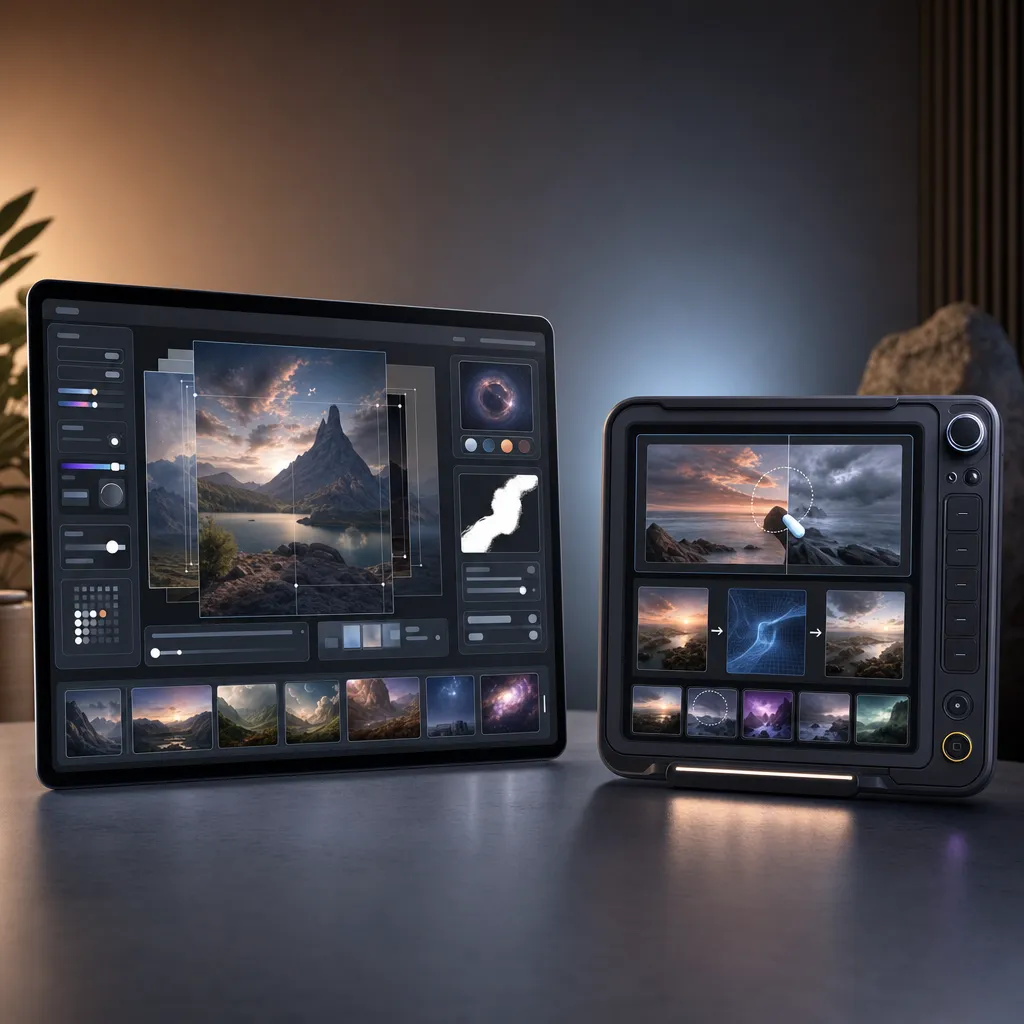
Google’s image stack has grown confusing because two tracks now coexist under the Gemini umbrella:
- Imagen 3: the core text-to-image model many people associate with Google’s photorealism.
- “Nano Banana” editing models (e.g., Gemini 2.5/3.1 Flash Image for speed and Gemini 3 Pro Image for quality): tuned for iterative edits, masks, and fast-turnaround variations.
Think of it this way: Imagen 3 generates, Nano Banana refines. In practice, the editing-capable endpoints have quietly superseded the classic Imagen workflow for most creators who need to revise a hero image several times per stakeholder round. They’re faster on small changes, better at preserving composition across edits, and designed for the day-to-day “move the product three inches left, cool the white balance, retouch the label” grind.
Why the names feel tangled: Google ships image capabilities under “Gemini,” references “Imagen” for the underlying generator family, and surfaces editing as distinct “Flash” and “Pro” Image modes. If you’re building a production pipeline, the simple lens is: use Pro Image for your high-fidelity master, use Flash Image for interim comps and quick alternates, and treat classic Imagen 3 as the photorealism engine you call when you want a fresh look, not a revision.
On Nexvy, that split is reflected as a coherent set of Google-quality options (branded as Nano Banana) that you can run alongside non-Google models in one place, so you can test speed vs quality without swapping tools.
Best Imagen Alternatives in 2026: Head-to-Head Verdicts
Nano Banana Pro (Google-quality images + editing)
Verdict: If you want Imagen-grade realism with proper revision tools, this is the cleanest path. Pro Image output quality rivals Imagen 3, while editing passes preserve geometry and lighting better than most. Excellent for production teams who want Google’s look but need real masking and iterative control. Safety filters are sensible but less disruptive in pro workflows than older generations.
Use case: E-commerce hero photos where skin tone accuracy and logo fidelity must survive multiple client notes.
FLUX 2 Pro (best photorealism control)
Verdict: FLUX leans into controllability: camera matrices, physical-light cues, and style references make it ideal when you must hit a specific photographic recipe. It’s particularly strong on hard surfaces, textiles, and studio-lighted sets with accurate shadows. Editing support is solid, with smart mask edges and consistent relighting across patches.
Use case: Apparel lookbooks with fabric behavior that feels true under different aperture and key-light scenarios.
Midjourney V7 (best aesthetics)
Verdict: Still the vibe king. If the brief reads “moody, art-directed, portfolio-grade,” V7 composes with taste and often lands frames that look instantly editorial. It’s not the most literal with prompts, and edits can recompose more than you asked for, but for mood boards, key art, and cinematic explorations, it’s hard to beat.
Use case: Film posters, brand moodboards, and concept pieces where style beats strict realism.
GPT Image (best text rendering)
Verdict: When the banner needs crisply spelled copy or a mock packaging label must read exactly right, GPT Image is the most reliable text renderer. It’s less photoreal than FLUX or Nano Banana on faces and lighting nuance, but for ads, social posts, and slide graphics with typography, it’s a practical pick.
Use case: Ad creatives and thumbnails with big, legible headlines inside the image.
Ideogram V3 (best typography and logos)
Verdict: Ideogram continues to own the typographic niche. If the brief demands stylized lettering, logo-like marks, or decorative type integrated into scenes, it’s a specialist that outperforms generalists. Photoreal faces can still feel off; keep it to graphic compositions or stylized product visuals.
Use case: Logo explorations and T-shirt graphics with complex lettering that must remain readable.
Seedream (best value)
Verdict: Solid quality-to-cost ratio for content teams producing lots of social assets and blog art. Less glassy than Imagen/Nano Banana for lifelike portraits, but reliably good for scenes, objects, and illustrations—at a per-image cost that stretches your credit budget.
Use case: High-volume blog headers, listicle art, and social carousels that need consistency without premium credit burn.
Quick Comparison: Quality, Editing, Text, and Credit Cost
-
Nano Banana Pro
- Quality: Top-tier photoreal
- Editing support: Full (masking, variations, image-to-image)
- Text rendering: Good, not specialized
- Price per image in credits: Premium tier (varies by size and settings)
-
FLUX 2 Pro
- Quality: Top-tier control over lighting/camera look
- Editing support: Full
- Text rendering: Fair
- Price per image in credits: Upper-mid (varies)
-
Midjourney V7
- Quality: Elite aesthetics
- Editing support: Moderate (recomposition risk)
- Text rendering: Fair-to-good
- Price per image in credits: Premium tier (varies)
-
GPT Image
- Quality: Good realism; excels on graphics
- Editing support: Moderate
- Text rendering: Top-tier
- Price per image in credits: Mid (varies)
-
Ideogram V3
- Quality: Great for graphic design and stylized scenes
- Editing support: Basic-to-moderate
- Text rendering: Excellent for stylized/complex type
- Price per image in credits: Mid (varies)
-
Seedream
- Quality: Good overall; best value
- Editing support: Basic
- Text rendering: Fair
- Price per image in credits: Budget tier (varies)
On Nexvy, you can see each model’s current credit rate before you generate, so teams can balance quality and cost proactively.
Migration Guide: Recreating Common Imagen 3 Prompts
1) Studio product shot on seamless white with soft shadows
Imagen-style prompt: “A 45-degree product shot of a matte black wireless earbud case on seamless white, softbox lighting, gentle shadow falloff, 50mm, f/5.6, high detail.”
- Nano Banana Pro: Keep the prompt as-is. Use “lighting: softbox” control if available, and set background to pure white in parameters. For edits, duplicate the image and nudge “shadow intensity” or “glossiness” sliders rather than rewriting text.
- FLUX 2 Pro: Add camera realism tokens: “polarizing filter,” “diffusion panel,” and specify “key light at 45°, fill at 20%.” Use the product mask to deepen the contact shadow on a second pass.
- Midjourney V7: Append “clean catalog aesthetic, minimal styling.” If it pushes stylization too far, lower the style/creativity parameter and add “no props, no reflections on backdrop.”
- Seedream: Keep prompt minimal and increase resolution in upscaling step. For stronger shadows, do a quick masked edit on the base to extend the falloff.
2) Natural-light portrait with shallow depth of field
Imagen-style prompt: “Candid portrait of a 30-year-old runner, golden hour backlight, rim lighting on hair, 85mm, f/1.8, soft background bokeh, skin texture preserved.”
- Nano Banana Pro: Use portrait mode with “skin texture preserve” on. If bokeh looks busy, reduce background contrast in the edit pass.
- FLUX 2 Pro: Add “sensor bloom subtle, color grade Kodak Portra 400” to get filmic warmth. If the face drifts, anchor with a reference face or composition guide.
- Midjourney V7: Push “photography, candid, editorial” and set lower stylization. Use vary-region to clean the hair rim or adjust lens flare without changing composition.
- Seedream: Bokeh may be less creamy by default; counter with “swirly bokeh minimal” and increase foreground sharpness in an edit pass.
3) Cinematic landscape with volumetric light
Imagen-style prompt: “Misty pine forest at dawn, god rays through trees, low-angled sun, 24mm wide, cinematic grade, fine haze particles.”
- Nano Banana Pro: Enable atmospheric lighting. If rays clip, lower contrast in parameters and re-render at higher steps.
- FLUX 2 Pro: Specify “ray-marched volumetrics feel, low fog layer at 5% density.” Use a masked edit to thicken fog only in the midground.
- Midjourney V7: Add “cinematic color timing, teal-orange muted.” For depth consistency, lock a seed and generate a grid of alternates with the same seed.
- Seedream: Strengthen “volumetric light” token and upscale the winner; noise reduction on the upscaled version often preserves ray edges better.
4) Graphic with exact text inside the image
Imagen-style prompt: “Minimal poster, off-white paper texture, centered sans-serif headline: ‘RUN BETTER’, subtle drop shadow, balanced kerning.”
- GPT Image: Specify font vibe (“neo-grotesque sans”), exact text, all caps. If spacing is off, run an edit with “increase tracking by 5%.”
- Ideogram V3: Give style cues (“condensed sans, geometric”) and lock exact phrase. For logos, add “vector-friendly marks.”
- Nano Banana Pro: It will spell short text well, but for strict layout, use GPT Image first; then bring the poster into Nano Banana for texture and lighting tweaks.
5) Masked edit: replace a dull sky without changing the subject
Workflow:
- Nano Banana Pro: Upload the base photo, paint the sky mask, prompt “sunset cumulus, warm rim light consistency.” Use “preserve subject lighting” so reflections don’t mismatch.
- FLUX 2 Pro: Same mask approach; add “color temperature match scene” in settings. If edges halo, expand mask by 2–3px and re-render.
- Midjourney V7: Vary-region on the sky. If it reinterprets the subject, reduce creativity and lock composition seed.
Prompt-tightening tips when moving off Imagen
- Front-load camera and lighting: FLUX and Nano Banana respond very well to “35mm, f/4, key left 45° softbox, specular highlight controlled.”
- Use style references sparingly: One good reference beats five vague descriptors. Too many images can cause drift.
- Split tasks: Generate the base with your realism workhorse (Nano Banana Pro or FLUX), then do typography in GPT Image or Ideogram, then composite via an edit pass if needed.
Which Model Wins for Your Use Case?
- Product catalog shots: Nano Banana Pro or FLUX 2 Pro. Choose Nano Banana if you’ll run lots of masked tweaks.
- High-style key art: Midjourney V7 for composition and mood; do cleanup in Nano Banana if you need stricter control.
- Ad banners with text in-frame: GPT Image first, then a quick relight or texture pass in Nano Banana.
- Logos and lettering: Ideogram V3. For photoreal product placement of that logo, hand off to FLUX for lighting correctness.
- High-volume social/blog art on a budget: Seedream; reserve premium credits for hero assets only.
- Portraits with tight realism and safety: Nano Banana Pro; FLUX for more granular camera control.
Nexvy brings these models into a single library so you can A/B the same prompt across engines, compare costs in credits, and keep versions together. That solves Imagen’s biggest workflow gap: bouncing between ecosystems to find the right look.
Final thought: Imagen 3 still delivers gorgeous first-pass images. But if you’re shipping campaigns, the combination of editing depth, model breadth, and in-app cost visibility often matters more than a single engine’s raw photorealism. That’s where running Nano Banana Pro, FLUX 2 Pro, Midjourney V7, GPT Image, Ideogram V3, and Seedream side by side pays off.
Every Imagen alternative in one place on nexvy.ai. Try them with the Free plan’s 400 credits and see which stack fits your team’s briefs and budget.