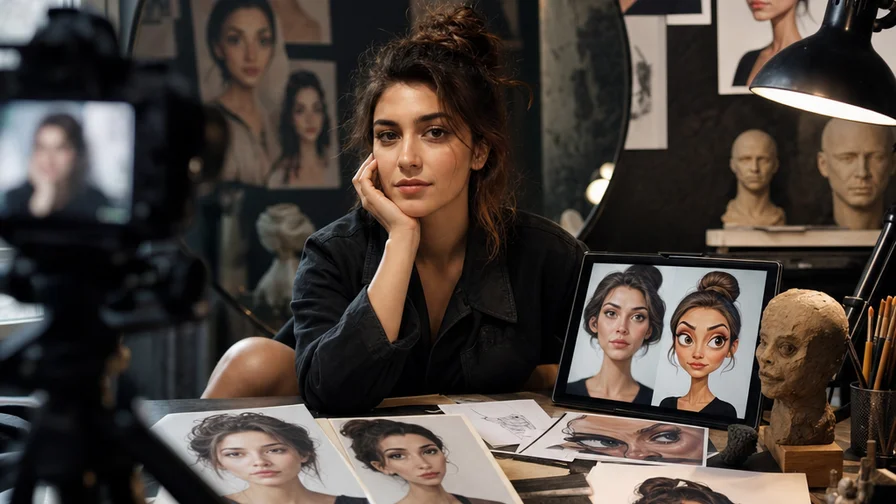
Quick answer: what makes a great AI caricature tool in 2026
Three things separate a fun toy from a keeper:
- Likeness preservation — The face still looks like you. The tool should lock identity across styles and different angles without melting features or whitening skin tones. Look for face-reference strength controls, “face lock,” or models known for identity stability.
- Style range — From cheeky editorial ink to glossy Pixar-like 3D, cute anime, minimalist vector, even claymation. The wider the built‑in library and the better the prompts/examples, the more you’ll actually use it.
- Editing control — You want knobs. Style strength, exaggeration, background options, upscaling, inpainting, batch renders, seeds for repeatability. Credits or pricing that match how you create also matter.
If you only remember one pragmatic tip: choose a platform that lets you apply the same face reference across multiple models. That’s how you get a matching avatar set without retraining every time.
The ranked shortlist: 10 ways to go from photo to caricature
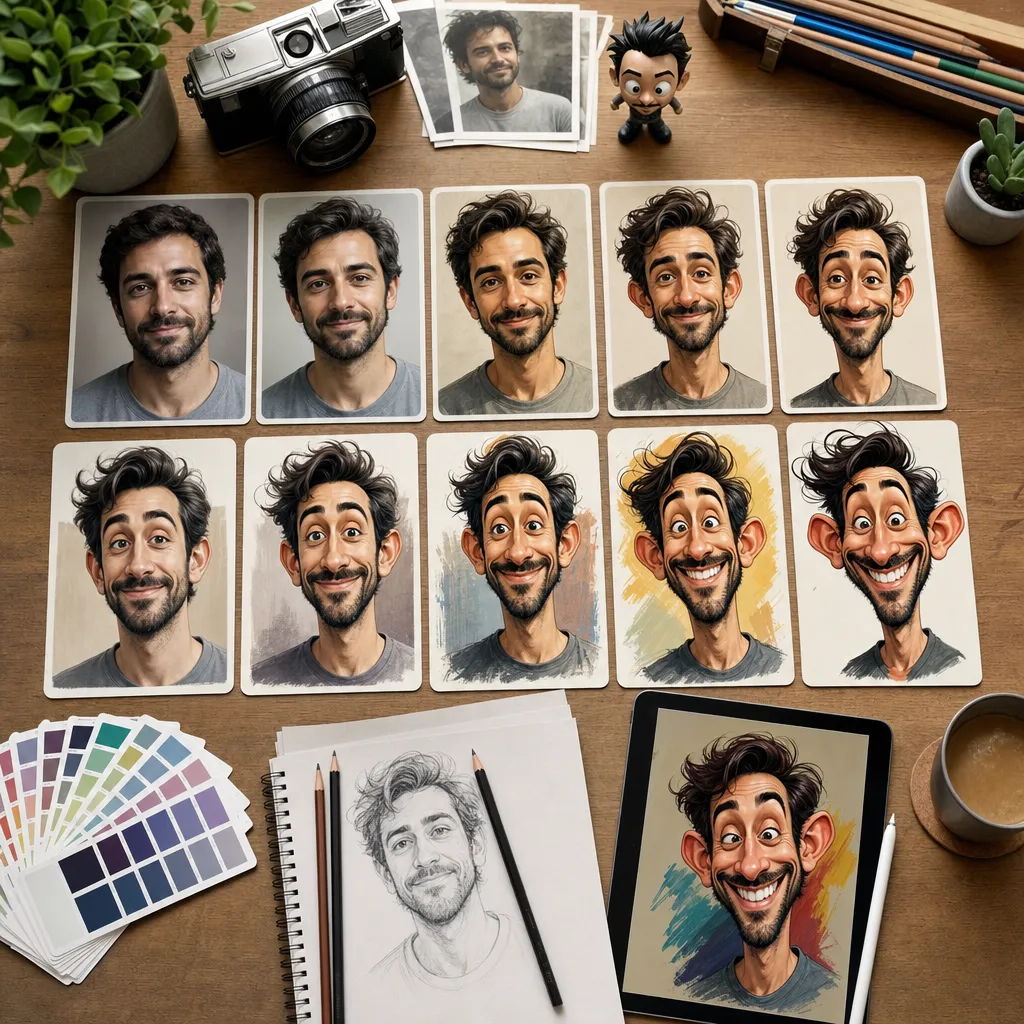
1) Nexvy (multi‑model route in one place)
Nexvy unifies 30+ models for images, video, audio, and music. For caricature and avatars specifically, the winning combo is obvious: Nano Banana for likeness‑preserving stylization, Midjourney V7 for artistic caricatures, and GPT Image for clean cartoon vectors — all from a single interface and paid per image with credits. You can also branch into FLUX for painterly looks, Seedream for anime, or Ideogram when you want crisp sticker‑like typography around the portrait.
- Pros: One upload, many styles; face‑lock and reference strength controls; batch outputs; per‑image credits instead of forced subscriptions; easy upscaling/clean backgrounds. Great for building a consistent pack.
- Cons: More creative “power” means a small learning curve. Hopping between models can shift style a lot (good when you want it, surprising when you don’t). Popular models can queue at peak hours.
2) Midjourney (standalone)
Midjourney’s newest models produce striking linework, witty exaggeration, and magazine‑worthy color. With a strong face reference you can get memorable caricatures, especially in editorial or painterly styles.
- Pros: Industry‑leading aesthetics; superb composition and shape language; tons of community prompt recipes.
- Cons: Typically subscription‑based; less granular face controls than dedicated avatar tools; learning the right reference weighting is essential for resemblance.
3) Lensa Magic Avatars–style services
These pack‑based apps ask for 10–20 selfies and return a batch of avatars in themed sets (fantasy, cyberpunk, cartoon, etc.). Ideal for a one‑time drop of 50–200 looks.
- Pros: Push‑button easy; big variety in a single purchase; no prompting skills needed.
- Cons: Requires a selfie pack, not a single photo; mixed likeness across styles; you wait for the batch; pricing is per pack rather than per image; always read privacy terms for how long training data is stored.
4) Canva Magic Media (AI Avatars)
Best when you want avatars pre‑wired into social templates, slide decks, and brand kits. You can get clean cartoon or semi‑realistic outputs and drop them directly into designs.
- Pros: Integrated with layouts, backgrounds, sticker sets; friendly UI; quick edits like background removal and resizing.
- Cons: Requires an account; style range is narrower than dedicated image engines; advanced face locking is limited.
5) Adobe Photoshop + Firefly (reference + generative tools)
Photoshop remains the surgical tool. Combine reference‑guided generation, filters, and layer masks to stylize a portrait while keeping precise control over features and retouching.
- Pros: Layer‑based edits, fine control, professional output; Content Credentials for provenance.
- Cons: Subscription; slower than pure generators; not a one‑click avatar pipeline; you’ll do more manual work.
6) Fotor / PicsArt / Photoleap cartoonizers
These are the “good enough now” filter‑style tools. Upload, pick “cartoon,” “comic,” or “sketch,” and download.
- Pros: Fast, simple; solid mobile apps; some free tiers (often watermark‑stamped).
- Cons: Limited control and variation; likeness can drift; watermark or compression on free plans; paywalls for HD exports.
7) Voilà AI Artist / ToonMe and similar dedicated avatar apps
Purpose‑built apps that turn selfies into Pixar‑ish, 2D cartoon, or caricature looks. Great as a lighthearted option with minimal friction.
- Pros: Easy presets; decent likeness for frontal selfies; fun for kids and pets, too.
- Cons: Presets can feel same‑y; background control is basic; often watermark or subscription gates; read data policies carefully.
8) Snapchat/Instagram cartoon filters
Real‑time stylization through AR lenses. Snap a frame that nails your expression, then export.
- Pros: Instant feedback; playful looks; zero learning curve.
- Cons: Output is usually low‑res; minimal editing control; not great for print‑quality avatars.
9) Open‑source route: Stable Diffusion + IP‑Adapter FaceID (local)
If you want privacy and total control, running diffusion locally with face‑ID adapters and ControlNet gives you pro‑level knobs. You’ll dial prompt, guidance, and exaggeration precisely.
- Pros: Private; reproducible pipelines; deep configuration; no watermark.
- Cons: Setup time; GPU requirements; piecing together models, upscalers, and workflows is non‑trivial.
10) Free web toys (Cartoonify, PhotoFunia, quick filters)
Good for a laugh or a placeholder avatar. Upload, click, done.
- Pros: Free, instant, no learning curve.
- Cons: Watermarks, ads, compressed images; weak likeness; limited export sizes; privacy policies vary widely.
Step‑by‑step: photo to caricature on Nexvy (with 12 proven prompt recipes)
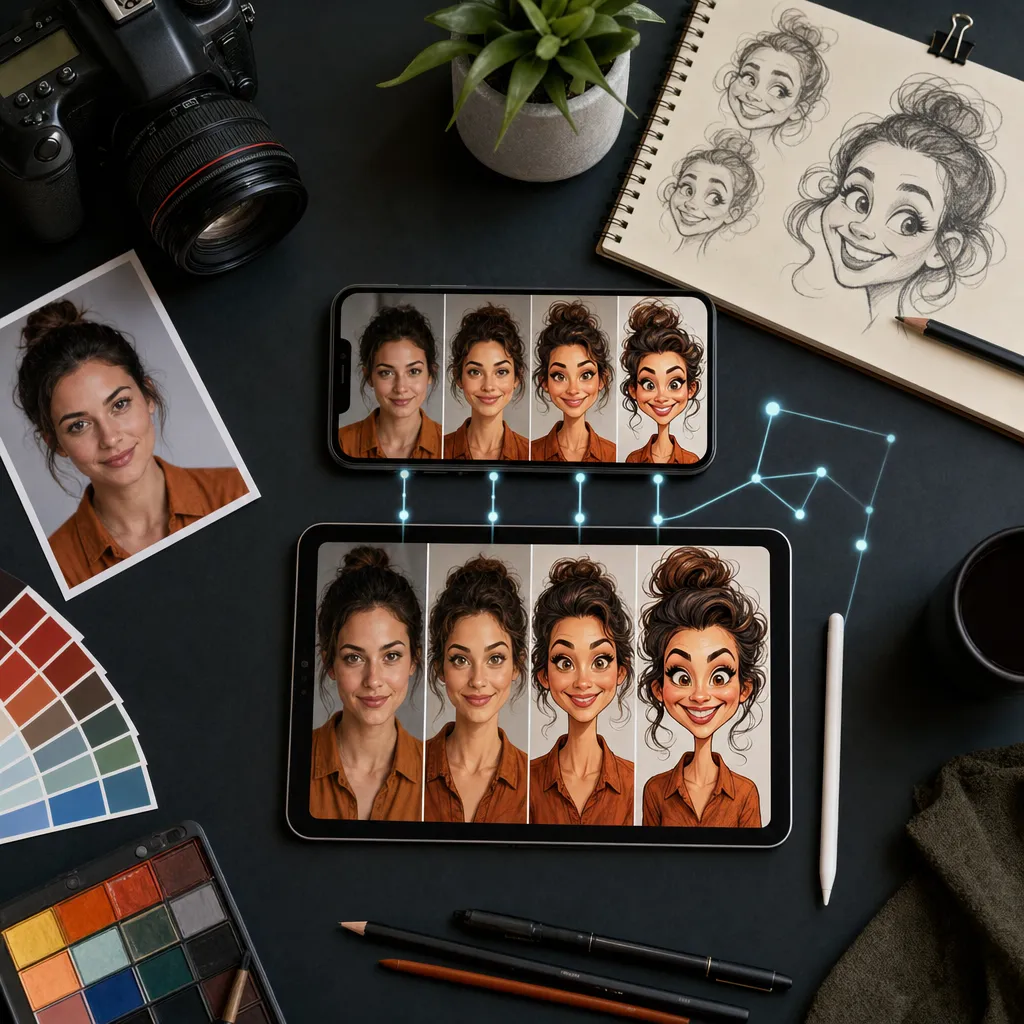
This workflow keeps resemblance first, style second — and it works whether you want a cheeky caricature or a professional stylized headshot.
Step 1 — Pick a strong reference
- Use a frontal or 3/4 view, good daylight, no sunglasses. Hair visible. Neutral background helps.
- For couples or pets, upload separate references for each subject if possible.
Step 2 — Choose the right model
- Nano Banana for likeness‑preserving stylization. Best identity lock with mild‑to‑moderate exaggeration.
- Midjourney V7 for expressive, editorial caricature with dramatic shapes and linework.
- GPT Image for clean, vector‑like cartoon avatars and brand‑friendly flat styles.
- Also available: FLUX for painterly realism; Seedream for anime; Ideogram if you want neat text integrated into sticker‑style avatars.
Step 3 — Set controls
- Enable Face Lock / Reference Strength around 0.6–0.8 to keep identity stable. For Nano Banana, go stronger; for Midjourney, lighter for stylization freedom.
- Set Style Strength/Exaggeration modestly at first (e.g., 25–40%). Increase gradually after you confirm likeness.
- Pick 2–4 variations per run. Keep a fixed seed when iterating on the same pose for consistency.
- Turn on Transparent background if you plan sticker exports, or choose a solid color for professional avatars.
Step 4 — Add a clear prompt
Start with a plain identity guardrail, then style. Example prefix you can reuse: “Do not change identity. Maintain skin tone and eye color. Keep facial proportions recognizable.” Then add the style recipe below.
Step 5 — Generate, refine, export
- Pick the best likeness. If eyes or jaw drift, lower exaggeration or raise reference strength.
- Use the upscaler for 2–4x prints. Use inpainting to fix teeth, glasses, or stray hair.
- Export webp/png for web, png/svg (GPT Image outputs) for vector‑ish avatars, or high‑res jpg for print.
12 ready‑to‑paste prompt recipes
- Exaggerated features caricature (Nano Banana) — “Do not change identity. Caricature with emphasized nose and jawline, lively eyes, subtle asymmetry for humor, clean ink outlines with watercolor wash, studio lighting, 4K, white background. Exaggeration 35%.”
- Editorial cartoon (Midjourney V7) — “Newspaper editorial caricature, bold cross‑hatching, dry brush ink, restrained color palette, witty smirk, head slightly larger than body, halftone texture, off‑white paper grain.”
- Pixar‑style 3D avatar (GPT Image) — “Clean 3D cartoon character, soft SSS skin, big readable eyes (+10%), gentle smile, simple geometry, studio rim light, flat pastel background, export as crisp vector‑like shading.”
- Anime portrait (Seedream) — “Anime close‑up, cel shading, glossy eyes, soft bloom, hair detail, 3/4 view, gentle blush, thin line art, background bokeh, artbook quality.”
- LinkedIn‑ready stylized headshot (FLUX) — “Professional portrait, subtle stylization only, 50mm lens perspective, soft gray gradient backdrop, gentle color grading, minimal blemish retouch, maintain authentic features.”
- Couple caricature (Nano Banana) — “Two‑person caricature, preserve both identities, playful pose, slight head exaggeration, clean outlines, flat pastel background, matching palette, hands forming a heart.” Upload both face references and label them.
- Pet caricature (GPT Image) — “Cute pet caricature, big expressive eyes, tiny body, glossy toon shading, bright collar tag with name, white sticker border.”
- Minimalist vector avatar (GPT Image) — “Flat vector avatar, solid fills, 2‑shade skin, geometric hair shapes, soft shadow under chin, centered bust, transparent background.”
- Pop‑art halftone (Midjourney V7) — “Pop art portrait, Benday dots, high‑contrast comic inking, bold primaries (CMY), speech bubble saying ‘Wow!’, subtle head exaggeration.”
- Claymation look (FLUX) — “Clay stop‑motion portrait, polymer texture, thumbprint imperfections, studio diorama, soft top light, shallow depth of field.”
- Watercolor vignette (Nano Banana) — “Watercolor caricature, flowing pigments, edge blooms, toothy cold‑press paper, soft background vignette, gentle features exaggeration.”
- Sticker‑ready chibi (Seedream) — “Chibi avatar, oversized head, tiny body, bold outline, glossy highlights, white sticker border, kawaii expression, rich candy palette.”
Tip: For vector‑like output, favor GPT Image and keep prompts minimal, using words like “flat,” “clean shapes,” and “solid fills.” For editorial grit, pick Midjourney V7 and describe the physical media (ink, newsprint, halftone).
Consistency made simple: reuse the same face reference
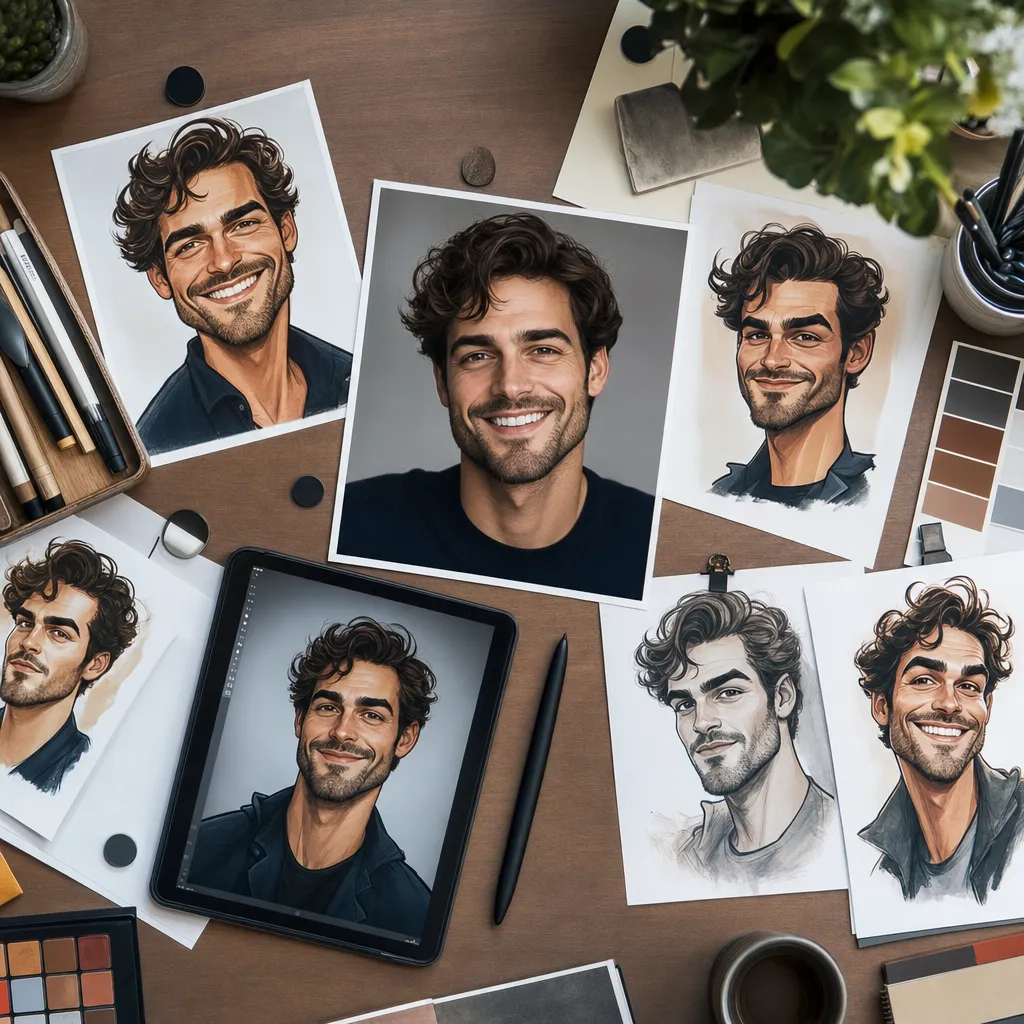
A matching avatar set is about repeatability, not talent. Here’s how to keep five styles looking like the same person:
- Lock the face — Keep Face Lock on and the reference strength similar between runs (e.g., 0.7 on Nano Banana, 0.5 on Midjourney V7, 0.6 on GPT Image).
- Fix the seed — When exploring color or background changes, fix the seed so the facial structure doesn’t wiggle.
- Match lens and crop — Use the same focal vibe: “50mm head‑and‑shoulders, neutral camera angle.” Switching to a 24mm “wide” look will distort the face differently per model.
- Reuse a system prefix — Start every prompt with “Do not change identity. Maintain skin tone and eye color. Keep facial proportions recognizable.” Then append style specifics.
- Audit backgrounds — Stick to 2–3 solid backdrops across the set (e.g., gray, pastel blue, transparent) for cohesion.
Side‑by‑side comparison: price, styles, likeness, trial
Nexvy (multi‑model)
- Price per image: Credit‑based from 60 credits per render (free plan includes 400 credits to experiment).
- Styles: Broad — Nano Banana (likeness), Midjourney V7 (artistic), GPT Image (vector), plus FLUX, Seedream, Ideogram.
- Likeness quality: High with Face Lock and reference strength controls.
- No‑signup trial: Requires account; free plan available.
Midjourney (standalone)
- Price per image: Typically subscription‑gated; per‑image cost depends on plan usage.
- Styles: Painterly, editorial, stylized realism, strong composition.
- Likeness quality: Medium–High with solid references; requires prompt skill.
- No‑signup trial: Generally no; check current status.
Lensa‑style avatar packs
- Price per image: Pack purchase; effective per‑image cost varies by bundle size.
- Styles: Theme bundles (fantasy, cyberpunk, cartoon, etc.).
- Likeness quality: Medium; improves with diverse selfie set.
- No‑signup trial: Usually no.
Canva Magic Media
- Price per image: Included in plan tiers; paywalls for HD/brand features.
- Styles: Clean cartoons, simple semi‑realistic looks; easy compositing.
- Likeness quality: Medium; strong for graphic avatars.
- No‑signup trial: Requires account.
Adobe Photoshop + Firefly
- Price per image: Part of subscription; no per‑image billing.
- Styles: Anything you can layer/build; great for editorial hybrids.
- Likeness quality: High with manual control.
- No‑signup trial: Requires account/subscription.
Fotor/PicsArt/Photoleap cartoonizers
- Price per image: Often free with watermark; paid tiers for HD/no watermark.
- Styles: Cartoon, sketch, comic; filter‑based.
- Likeness quality: Low–Medium; depends on selfie quality.
- No‑signup trial: Frequently yes on web; app features vary.
Voilà AI Artist / ToonMe
- Price per image: Free with watermark or subscription to open exports.
- Styles: Pixar‑ish, 2D cartoons, caricature presets.
- Likeness quality: Medium for frontal selfies.
- No‑signup trial: Often usable without full signup; features limited.
Snapchat/Instagram filters
- Price per image: Free.
- Styles: AR cartoon/comic looks.
- Likeness quality: Medium; stylization can be heavy.
- No‑signup trial: App account required.
Open‑source SD + IP‑Adapter
- Price per image: Free once set up (local GPU/electricity costs).
- Styles: Extremely broad; depends on checkpoints and LoRAs.
- Likeness quality: High with proper settings; full control.
- No‑signup trial: Not applicable; local install.
Privacy, watermarks, and picking the right route
A quick, honest rubric when faces are involved:
- Privacy: If you upload a selfie pack, read how long the service retains training data and whether it is used to improve models. Local or credit‑based, no‑retrain workflows reduce exposure.
- Watermarks/quality: Free tiers often stamp or compress. If you plan to use avatars on LinkedIn, websites, or merch, budget for HD exports.
- Control vs convenience: Dedicated apps are fast but preset‑bound. Multi‑model platforms like Nexvy give you pro‑level control and the breadth to explore outrageous and subtle styles in one place.
If you want maximum likeness and a varied but cohesive set, the multi‑model route wins. Start on Nexvy with Nano Banana to nail the face, branch to Midjourney V7 for flair, then switch to GPT Image for clean vector avatars that scale anywhere — all without reuploading or retraining.
Ready to try? Turn any photo into a caricature on nexvy.ai from 60 credits per image. The free plan includes 400 credits to experiment, so you can test Nano Banana, Midjourney V7, GPT Image, and more without pressure.