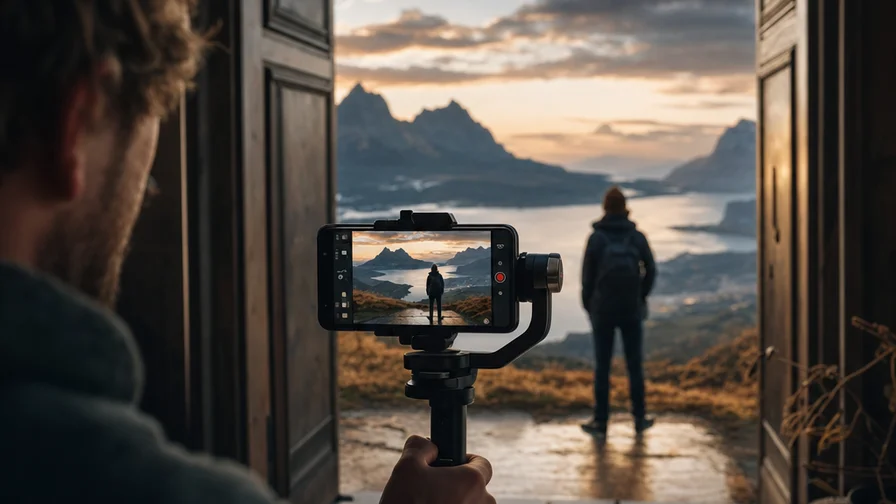
Why Zoom Moves Make AI Videos So Watchable
Zooms tell jokes and build awe with the same trick: a reveal. Start on a tiny detail that invites questions. Then pull back to show a bigger truth. Viewers get hit with a payoff right when curiosity peaks. That rhythm is why zoom videos spread — they’re easy to understand in two seconds and satisfying by five.
Two styles dominate:
- Continuous zoom-out reveal: Begin absurdly tight — an eyelash, a product logo, a crumb on a desk — and keep pulling back until the context flips expectations. Earbud case… on a moving train… that’s actually a toy layout… inside a museum… inside a snow globe. Each ring of context is a new punchline.
- Crash zoom-in: Whip the camera forward in one aggressive move to land on the exact thing you want us to feel. It’s comedic if the target is mundane; it’s dramatic if it’s dangerous or emotional. Think: placid beach wide, then snap to a single red kite tugging a string.
AI models now understand camera verbs. On Nexvy, Kling 3.0 and Veo 3 both respond to prompts like “camera pulls back,” “rapid zoom in,” and “slow dolly out revealing…” The trick isn’t just asking for a zoom; it’s giving the shot a destination. What are we revealing? Where should the motion stop? Tie the move to a subject — your video becomes intentional, not just a digital effect.
Prompt Engineering for Dramatic Zooms in Kling 3.0 and Veo 3
Core phrases each model reliably follows
Both models parse camera language, but phrasing and pacing cues matter. Use concise, directive verbs. Add lens and stabilization hints to tame jitters.
- Kling 3.0 likes: “camera pulls back continuously,” “slow dolly out revealing…,” “steady gimbal, smooth parallax,” “fast crash zoom in to [subject],” “accelerating zoom,” “24mm lens, shallow depth of field,” “8k detail,” “crisp texture”
- Veo 3 likes: “slow dolly out to reveal…,” “gentle continuous zoom-out,” “rapid zoom in on [subject],” “cinematic handheld micro-wobble” (if you want realism), “35mm lens, natural perspective,” “subtle depth of field,” “realistic lighting, consistent exposure”
Useful meta-phrases that both interpret well:
- “camera starts extremely close on [micro detail], then pulls back to show [macro context]”
- “maintain subject center frame while zooming” or “subject stays locked center while background expands”
- “no cuts, single continuous shot”
- “avoid warping, stable edges” or “no fisheye distortion” if you see stretch artifacts
- “final frame: [clear end state]” to help the model land the reveal
Speed control that actually works
Instead of only saying “fast” or “slow,” bake in a tempo:
- “starts slow, then accelerates at midpoint, then eases to a stop on [subject]”
- “constant velocity zoom-out for the entire shot”
- “crash zoom over the last third of the clip”
This phrasing reduces uneven pace and makes the motion feel intentional, especially in Veo 3, which favors physically plausible moves, and in Kling 3.0, which can otherwise overshoot the final frame during aggressive requests.
Image-to-video: animate a still with a clean zoom
One of the easiest viral formats uses a photograph as the starting frame and turns it into motion:
- Upload a high-resolution still (ideally 4K or higher) with layered depth. Foreground, midground, and background detail all help the model simulate parallax.
- In your prompt, anchor the first frame: “start on this photo, camera pulls back slowly, revealing more of the surrounding environment with realistic perspective.”
- Add “subtle parallax” and “no perspective drift” to push the model away from a simple digital zoom.
- For product photos, add “product remains sharp, background gradually appears” to keep the subject from blurring too early.
Kling 3.0 tends to generate stronger parallax — great for dramatic reveals. Veo 3 tends to keep lighting more consistent — great for photo-real continuity.
Chaining generations for an “infinite zoom” sequence
AI models generate best in short bursts. To achieve a true infinite zoom, chain shots:
- Plan the scale steps: Decide your scale changes in beats (e.g., eyelash → face → room → building → city → planet). Each beat is one short generation.
- Define handoff frames: End every clip on a composition that can be the first frame of the next clip. Add “final frame: wide view of [X], centered, stable” to the prompt.
- Re-use a still: Export the last frame of Clip A and feed it as the “starting image” for Clip B with “start on this exact frame, continue pulling back.” This preserves continuity.
- Lock style: Keep lens and lighting language consistent across clips: “24mm lens, overcast skylight, neutral color grade.”
- Control motion amount: If the zoom jumps too far, reduce by prompting “modest, controlled zoom-out” or ask for “10–20% scale change,” then experiment to calibrate.
Model Camera-Move Comparison on Nexvy
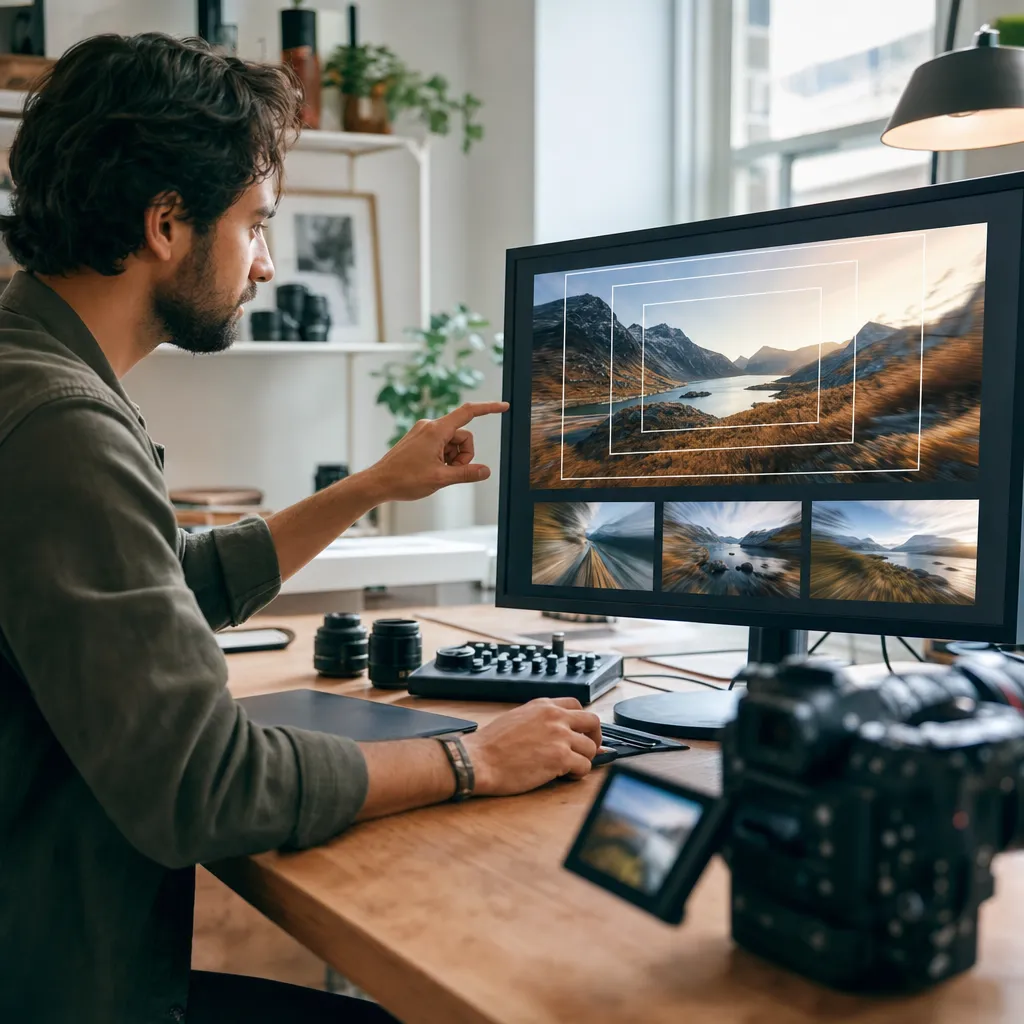
Nexvy unifies Kling 3.0, Veo 3, Seedance, and Hailuo in one workspace. All four can follow camera verbs to varying degrees, but their personalities differ. Use this quick reference to pick the right tool for a given zoom.
- Kling 3.0
- Motion feel: Bold, high-impact, strong parallax. Great for exaggerated pulls and impossible-scale reveals.
- Direction following: Very literal with “camera pulls back,” “crash zoom,” and “accelerating zoom.”
- Best for: Extreme zoom-outs, object-to-cosmos jumps, stylized crash zooms that hit hard.
- Watch-outs: Can over-sharpen textures or stretch edges when the zoom is too aggressive. Add “steady gimbal, no warping at edges.”
- Veo 3
- Motion feel: Cinematic and physically grounded. Dollys and zooms read like real optics.
- Direction following: Strong with natural-language camera verbs; respects subtle pacing changes and landing frames.
- Best for: Naturalistic reveals, product-to-lifestyle transitions, human subjects where facial coherence matters.
- Watch-outs: Less eager to perform impossible leaps in scale; guide with intermediate beats.
- Seedance
- Motion feel: Stylish and rhythmic, often with expressive motion that pairs well with music.
- Direction following: Decent with “slow zoom” and “camera pulls back,” but can drift into flair.
- Best for: Music-video vibes, anime/illustrative zooms, energetic loops.
- Watch-outs: Camera may prioritize style over strict framing; reinforce “subject locked center, no roll.”
- Hailuo
- Motion feel: Clean and clear, with solid adherence to subject geometry.
- Direction following: Good with straightforward “zoom in/on” and “pull back to reveal,” less literal with complex multi-beat instructions.
- Best for: Straightforward product reveals, simple room-to-building pullbacks.
- Watch-outs: Keep prompts concise; too many stacked details can dilute the motion cue.
Duration and resolution options vary by model and settings. On Nexvy, longer clips and higher resolutions consume more credits, so test framing with shorter drafts first, then upscale or extend after you like the motion.
Prompt Recipes: 10 Ready-to-Use Zoom Shots
Copy, paste, and adapt. Each recipe includes a preferred model, but most translate well across Kling 3.0 and Veo 3. Replace bracketed items with your subject.
- Desk to planet (epic reveal) — Kling 3.0
“Start extremely close on dust on a wooden desk beside a coffee mug, razor-sharp texture. Camera pulls back continuously, steady gimbal, smooth parallax, revealing a home office, then the apartment exterior, then the city skyline at sunset, and finally Earth seen from low orbit. No cuts, single continuous shot. 24mm lens, natural light, edge stability, final frame: wide of Earth against space.” - Eye to galaxy (poetic zoom) — Veo 3
“Begin on the iris of a human eye, reflective highlights, micro-vessels visible. Slow dolly out revealing the face, then the person standing on a rooftop under a starry sky; keep pace constant, soft bokeh transitions. Cinematic lighting, 35mm lens, subject center frame. Final frame: wide rooftop with Milky Way above, realistic exposure.” - Product macro to lifestyle (brand-friendly) — Veo 3
“Macro shot of [product] logo with condensation droplets, soft studio light. Camera pulls back gently into a kitchen scene with warm morning light as a person reaches for the product. Maintain product sharpness for first half, then rack focus to human hand. Realistic textures, no warping, clean consumer aesthetic.” - Room to aerial (real estate) — Kling 3.0
“Camera starts on a polished marble countertop, then pulls back continuously to reveal a luxury kitchen, then the open-plan living area, then through the window into the yard, then above the property as an aerial. Smooth parallax, steady gimbal, consistent white balance, final frame: top-down aerial of the lot with surrounding neighborhood.” - Storyboard poster to set (film concept) — Veo 3
“Begin on a film poster on a wall, paper texture crisp. Slow dolly out revealing a production office, people pinning frames to a board. Natural handheld micro-wobble, 35mm lens, realistic lighting. Camera continues to pull back through the doorway to a soundstage with lights and set pieces. Final frame: wide of active set.” - Crash zoom punchline (comedy) — Kling 3.0
“Wide shot of a quiet living room, daylight. Hold for a beat, then rapid crash zoom in on a single potato chip on the couch cushion, dramatic whoosh implied. Exaggerated motion blur during the rush-in, land perfectly centered on the chip, ultra detail.” - Map to street-level (travel) — Veo 3
“Start on a paper map with a red circle around [city], slight paper fibers visible. Smooth continuous zoom in reshaping into an overhead aerial, then down to a busy street market with vendors. Keep exposure consistent, color-rich food textures, no fisheye. Final frame: eye-level shot inside the market aisle.” - Circuit board to skyline (tech vibe) — Kling 3.0
“Extreme macro of a circuit board, tiny components sharp, shallow depth of field. Camera pulls back, revealing a server rack, then an entire data center, then match-dissolve into a nighttime city skyline shaped like circuitry. Accelerating zoom in final third, neon reflections, edge stability.” - Book page to ocean (metaphor) — Veo 3
“Begin on the printed word ‘voyage’ on a paper page, tactile ink texture. Slow dolly out to reveal an open book on a wooden table by a seaside window; continue pulling back as the window opens to a calm ocean horizon. Gentle breeze, natural sound implied, realistic optics.” - Image-to-video poster zoom-out (social format) — Either
“Use the uploaded still as first frame. Start on this image exactly; camera pulls back 15–20% to reveal a minimal frame and wall, add subtle parallax for depth. Maintain straight verticals, no roll, constant velocity, final frame: enough whitespace for captions.”
If a clip misses the landing composition, add a final-frame directive with explicit framing (“final frame: top-down aerial, house center, 10% headroom”) and re-run. For stronger physicality, include lens language (“24mm for wide, 50mm for natural, 85mm for compressed”).
Editing, Looping, and Stitching Tips
Avoid visible “speed seams” between clips
When stitching chained zooms, the human eye catches velocity jumps instantly. Match the last 10–15 frames of Clip A to the first 10–15 frames of Clip B:
- Slow Clip A’s tail by 5–10% if Clip B starts slower, or slightly speed up Clip B’s head. Micro adjustments sell the illusion.
- Crossfade only if textures match; otherwise a straight cut on motion blur often hides the seam better.
- Use a “whoosh” SFX across the cut to mask tiny temporal mismatches.
Looping a zoom-out so it feels endless
- Design the final frame to echo the first frame’s composition (e.g., your planet becomes the “dust particle” that starts the loop). That visual rhyme turns a two-clip loop into a satisfying cycle.
- Generate two variants of the same clip with slightly different grain/noise and cross-morph them in the center to hide repetition.
- Keep color grade identical. Lock temperature and tint so the loop doesn’t flash.
Stabilize without killing the energy
- If a clip jitters, try frame-by-frame optical stabilization at a low percentage. Over-stabilization creates wobble at the edges; aim for just enough to calm.
- For crash zooms, allow a tiny amount of handheld wobble. It reads as “real camera” and makes the impact snappier.
Sound sells the scale
- Use rising air tones for zoom-outs and a tight whoosh with a brief bass hit for crash zoom-ins. A single high-frequency “shing” can mark the exact landing frame.
- If you jump environments (room → city → orbit), layer ambient beds that crossfade on the beat of the motion so the ear tracks the reveal.
Color and exposure continuity
- Pick a LUT or grade preset at the start and apply it to every generation. AI clips can vary slightly in contrast; unify them in post.
- When chaining, screen-grab the last frame’s scopes (waveform, vectorscope) and match Clip B’s first frame to those values.
Get Started on Nexvy
Zooms are a natural fit for short-form. They teach the eye where to look, then reward attention with a reveal. On Nexvy, you can run Kling 3.0 for bold, high-parallax pulls, Veo 3 for grounded cinematic moves, and mix in Seedance or Hailuo when you want stylized energy or straightforward product reveals — all from one workspace, one asset library, and one credit balance.
Practical workflow:
- Rough the motion with short, low-res tests until the landing frame is right.
- Lock your prompts (camera verbs, lens, final frame), then regenerate at higher resolution.
- Chain beats with exported end-frames to keep continuity. Keep the lens language identical across shots.
- Budget credits by iterating fastest on the single toughest beat in your chain; replicate success to the easier ones.
The viral zoom formats — infinite pullbacks, crash zoom punchlines, macro-to-lifestyle pivots — are now fast to produce and iterate. All four camera-savvy video models mentioned here are available on nexvy.ai. Generate your first zoom reveal today and test it on your audience by this afternoon.


