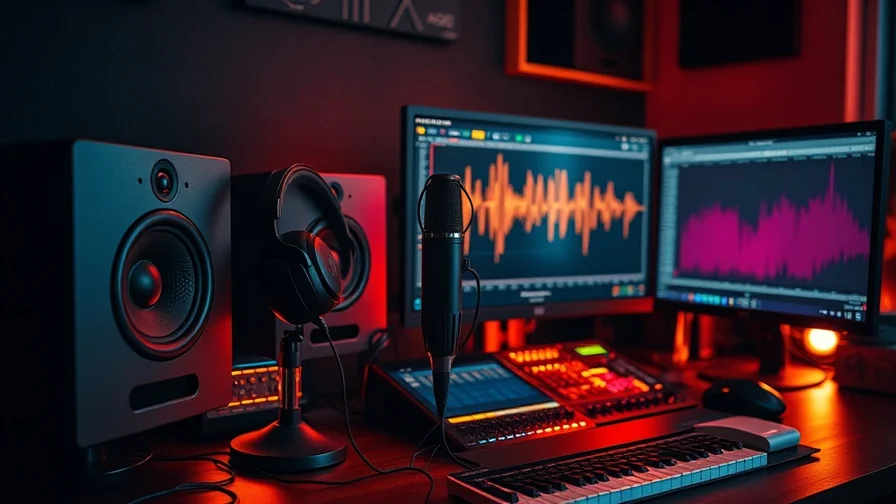
Hunting through stock libraries for the right "whoosh" or "door creak" is one of the last slow steps in content production. AI sound-effect generators replace it: describe the sound in words and get a clean, licence-free clip in seconds. Here are the tools worth using in 2026 and what each is best at.
Quick comparison
| Tool | Best for | How it works | Notes |
|---|---|---|---|
| ElevenLabs SFX | Foley, ambience, impacts, UI | Text-to-SFX prompt | Strongest general-purpose option |
| Stable Audio | Musical stings, textured beds | Text-to-audio | Leans musical, good for atmospheres |
| Game-audio tools | Loops, variations for engines | Prompt + variation | Niche; export to game pipelines |
ElevenLabs SFX: the general-purpose pick
ElevenLabs built its reputation on voice, and its sound-effects model carries the same quality across foley and ambience. Describe what you want — "rain on a tin roof, distant thunder," "sci-fi UI confirmation beep," "footsteps on gravel, slow" — and it generates a usable clip you can regenerate for variations. It's fast, controllable, and covers the broadest range of needs: impacts, ambiences, transitions, interface sounds.
Because it's prompt-driven, you can dial in specifics ("heavier," "more reverb," "shorter") that stock libraries can't match. For projects that also need narration, the same provider handles voice — see our guide to ElevenLabs TTS and SFX. For creative uses beyond the obvious, 7 creative ways to use AI sound effects has ideas.
Best for: video foley, ambience, UI sounds, podcasts, and anyone replacing a stock-SFX subscription.
Stable Audio: musical textures and stings
When the "effect" is closer to music — a tension bed under a scene, a branded sting, an evolving ambience — a music-leaning model fits better. Stable Audio generates textured, musical audio that works as atmosphere or short motifs. It's less about a single sharp foley hit and more about mood. We covered it in depth in Stable Audio 2.0.
Best for: atmospheric beds, musical stings, branded audio cues.
How to get good SFX from a prompt
- Be specific about material and space. "Door closing" is vague; "heavy oak door closing in a stone corridor, echo" gives the model what it needs.
- Name the dynamics. Slow/fast, soft/loud, short/long — these change the result more than adjectives like "good."
- Generate variations. Make three to five takes and pick; it's faster than editing one.
- Layer for realism. Real foley is layered — combine an impact, a texture and an ambience for a convincing result.
The all-in-one angle
Sound rarely travels alone — you usually need it next to video, voice or music. Nexvy runs ElevenLabs SFX and TTS together with image, video and music models under one subscription, so you can generate a clip's visuals, its voiceover and its sound effects from one account and one credit balance — no separate SFX subscription to manage. See the audio generator feature or the all-in-one platform overview.
Frequently asked questions
What is an AI sound effect generator?
A tool that creates an audio effect from a text description — type "heavy wooden door creaking open in an empty hall" and it generates the sound. It replaces searching stock libraries for foley, ambience, whooshes, UI sounds and game audio, and produces clips that aren't tied to a stock licence.
What's the best AI SFX generator in 2026?
ElevenLabs' sound-effects model is the strongest general-purpose option — fast, controllable and good across foley, ambience and impacts. For musical stings and textured beds, a music-leaning model like Stable Audio is a useful complement.
Are AI-generated sound effects royalty-free?
Usually you own or get a broad licence to what you generate on a paid plan, which avoids stock-library attribution and per-use fees — but always check the specific tool's terms before commercial use. Generating on a platform with clear commercial terms removes the guesswork.
Can I generate sound effects and voice in one place?
Yes. Nexvy runs ElevenLabs SFX and TTS together, so you can create both custom sound effects and voiceover from one account and one credit balance, alongside image, video and music.
The bottom line
For most sound design in 2026, ElevenLabs SFX is the first tool to reach for, with a music-leaning model like Stable Audio for atmospheres and stings. Describe the sound precisely, generate variations, and layer for realism. Generate SFX and voice together on Nexvy instead of juggling a separate stock subscription.


