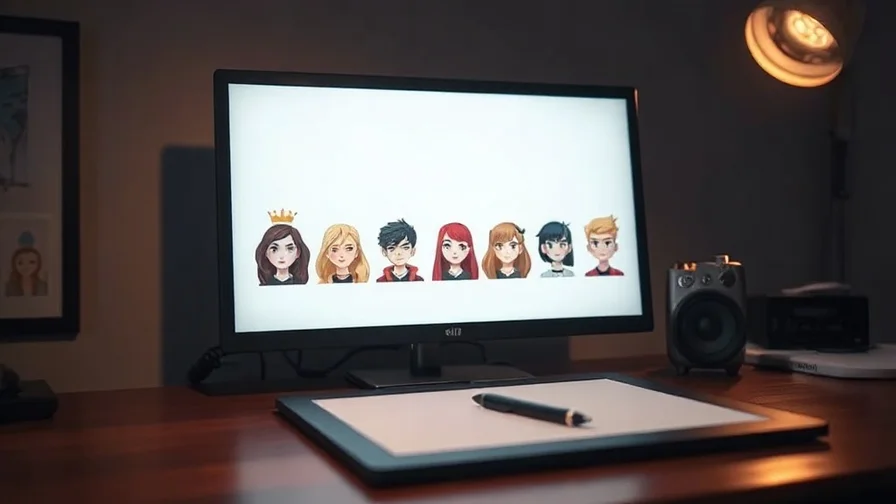
The fastest way to spot amateur AI video is a character whose face, hair or outfit changes shot to shot. Consistency isn't luck — it's a workflow. The core idea: stop describing your character in words each time and start anchoring every shot to the same reference image. Here's how to do it reliably in 2026.
Why characters drift
If you generate each shot from a text prompt alone, the model rebuilds the character from scratch every time — so small (and not so small) details change. Text is too loose to reproduce a specific face. The fix is to give the model the same picture of the character as a starting point for every shot, and to keep the other variables steady.
The consistency workflow
- Create one strong character reference. Generate a clean, well-lit portrait/full-body still of your character with an image model and lock it in. This is your source of truth. (Our guide to consistent characters across AI images covers nailing the still.)
- Animate from that still — don't re-describe. Use image-to-video: feed the reference image plus a motion prompt ("turns to camera and smiles, slow push-in"). The model animates that character instead of inventing a new one.
- Keep the variables stable. Same seed where supported, consistent lighting and lens language, same wardrobe description. Change only the action and camera.
- Use a motion-coherent model. Pick a model that holds a subject together through movement so the face doesn't morph mid-clip.
- Chain shots. Generate each shot from the same reference, then cut them together — far more consistent than one long generation.
Which models to use
- Kling — its image-to-video animates a fixed character still convincingly, making it a go-to for keeping a face stable across shots. Kling 3.0 deep dive.
- Seedance — reference support plus strong motion coherence keeps a subject stable while it moves, which is exactly where consistency usually breaks. Seedance 2.0.
- Veo / Sora — for hero shots; anchor them to the same reference and keep prompts tight. See the Veo 3.1 guide.
Common mistakes
- Over-describing the face in text instead of using the reference image — text drifts.
- Changing lighting or lens between shots — it reads as a different person.
- Asking one prompt for a multi-shot scene — generate shots separately from the same anchor and edit.
- Switching models mid-character without re-anchoring — re-feed the reference each time.
The all-in-one angle
This workflow spans two model types — image (to make the reference) and video (to animate it). Nexvy runs both under one subscription: generate the character still with an image model, animate every shot from it with Kling or Seedance, render hero shots on Veo or Sora — all in one account and one credit balance, so the reference travels with you instead of being re-uploaded across tools. See the video generator and image generator features.
Frequently asked questions
How do you keep the same character across AI video shots?
Lock the character with a reference image and reuse it across shots via image-to-video, rather than describing the character in text each time. Generate a strong character still once, then feed that same still to the video model for every shot, keep prompts and seed stable, and use a motion-coherent model so the face and outfit hold through movement.
Which AI video model is best for character consistency?
Models with reference/image-to-video support. Kling animates a fixed character still convincingly, and Seedance's reference support plus motion coherence keeps a subject stable through movement. Starting from the same image is what drives consistency more than any single model.
Why do my AI characters change between shots?
Usually because each shot is generated from text alone, so the model reinvents the face/outfit every time. The fix is to anchor every shot to the same reference image (image-to-video) and keep the prompt, seed and lighting consistent — text-only prompting drifts.
Where can I do this end to end?
Nexvy runs the image models to make your character reference and the video models (Kling, Seedance, Veo, Sora) to animate it, under one subscription — so the whole consistent-character workflow lives in one account.
The bottom line
Consistent characters come from a reference image reused across shots — not from describing the face every time. Make one strong still, animate it with image-to-video on a motion-coherent model, keep seed and lighting stable, and chain shots. Run the whole workflow on Nexvy, from character still to finished shots.


